


You come back to your RAV4 and there it is: a fresh scrape across the front bumper, a cracked grille trim, and no note under the wiper. The car in front of you backed out and drove off. No witness, no plate, no one to call. Your insurance may cover it, but you carry the deductible, the claim, and the frustration of knowing someone drove away.
A dash cam only helps here if it was awake when it happened. That is what parking mode is for. This guide explains what parking mode does on the AKEEYO XPRO, whether a RAV4 owner needs it, and how the two power options — the OBD Power Cable and the Hardwire Kit (ACC) — differ in real use.
What does parking mode on a dash cam actually do?
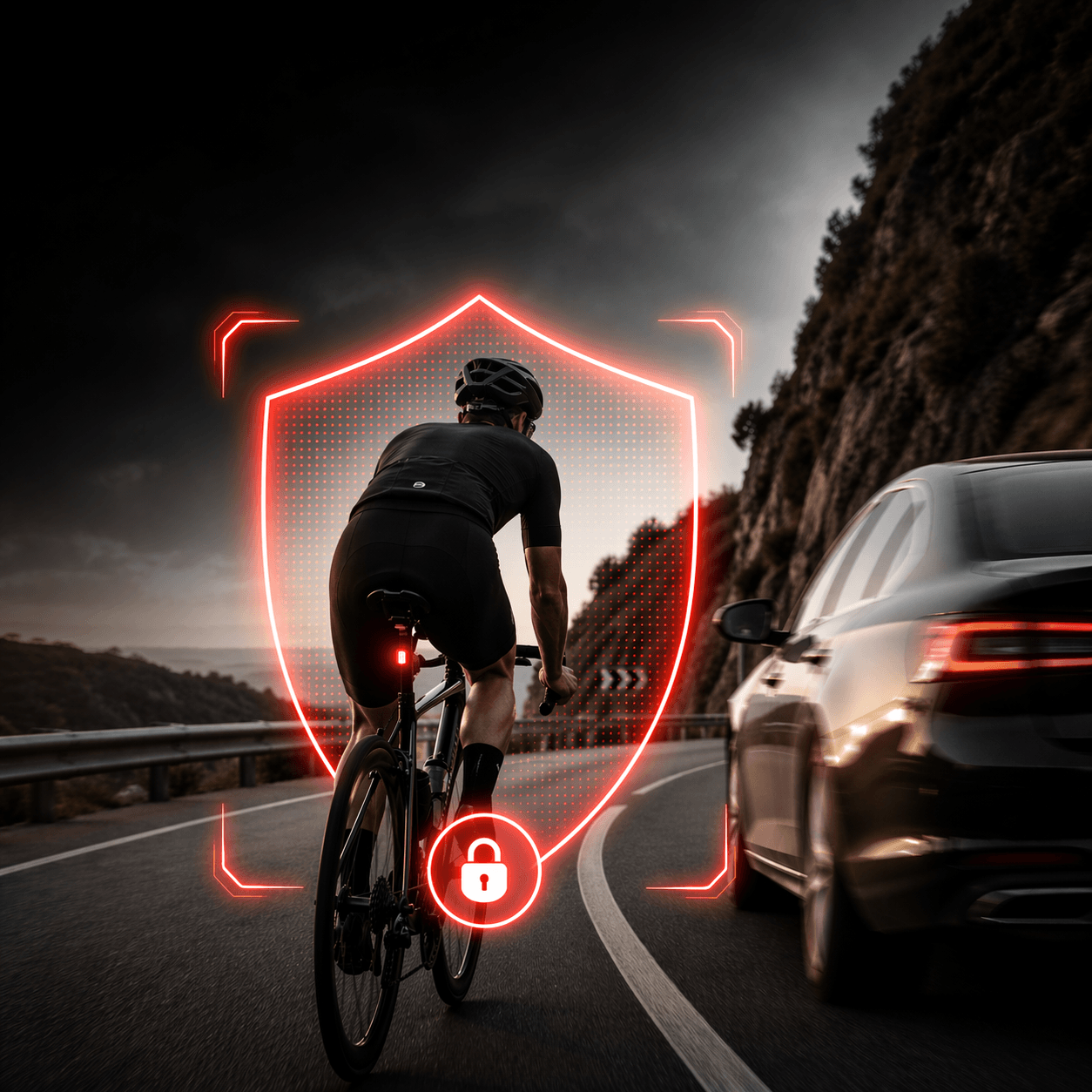
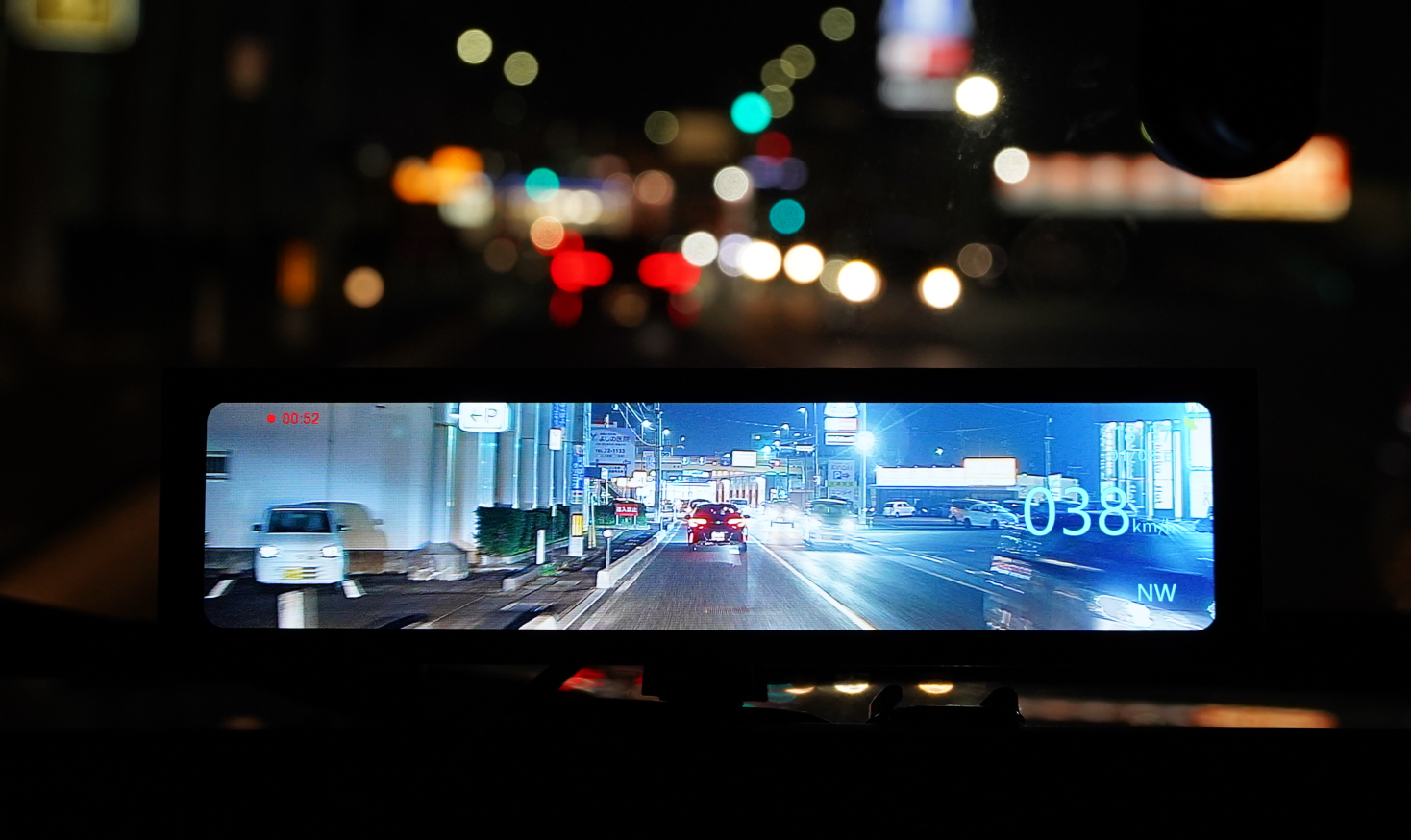
While you drive, a dash cam records in a continuous loop. Parking mode extends that protection to the hours your RAV4 sits still. Instead of recording nonstop, the camera waits for a trigger — most often a bump or impact picked up by the G-sensor — then captures and protects a clip of what happened.
On the XPRO, parking monitoring works like this:
- Impact-triggered recording. When the G-sensor detects a bump, the XPRO records a one-minute clip and stores it quietly, with no sound or prompts from the camera.
- Collision lock. Impact clips are locked so the normal recording loop cannot overwrite them. Sensitivity is adjustable across three levels, so you can tune it for a busy street or a quiet driveway.
- Time-lapse and sentry modes. For longer stays, the XPRO also supports time-lapse recording and a sentry mode, which keep watch over a longer window without filling the card at the same rate as normal driving footage.
- Power-loss protection. If power is cut unexpectedly, the file being written is not corrupted.
Parking mode is an optional feature on the XPRO. The camera does not enable it on its own; it needs one of the two power accessories covered below.

Why can't a dash cam record when the car is off?
Because it has no power. The standard power cable that ships with the XPRO runs the camera while the vehicle is on. When you switch off the RAV4, that circuit goes dead, and so does the camera.
To keep recording while parked, the XPRO needs a source of constant power from the vehicle's 12V battery — plus a way to protect that battery from draining. That is the job of the two accessories. Both do the same thing in the end: deliver constant power to the XPRO with low-voltage protection built in. They differ in where they draw that power from and how much work the install takes.
Do you really need parking mode for a RAV4?
It depends on where your RAV4 spends its nights and workdays. Ask yourself three questions:
Where do you park? Street parking, apartment lots, and busy commuter garages carry the highest risk of low-speed bumps — cars backing out of the space ahead, drivers misjudging a tight turn, carts and doors swinging into your front end. A private garage carries very little. If your RAV4 lives on the street or in a shared lot, parking mode earns its keep quickly.
How often is the car unattended in public? A daily commuter parked eight hours at an office lot, or a family car left at the grocery store several times a week, is exposed far more than a weekend vehicle.
What does an unresolved incident cost you? Hit-and-run is not rare. According to research published by the AAA Foundation for Traffic Safety in 2026, more than 919,000 police-reported crashes in 2023 involved a driver who fled the scene — about 15% of all crashes that year. Many low-speed parking incidents never get reported at all, and without footage they are almost impossible to resolve. A single recorded clip with a visible plate can change the outcome of a claim.
If you answered "street or shared lot," "most days," and "more than I'd like," parking mode is worth the accessory cost. If your RAV4 sleeps in a locked garage and rarely sits in public, you can add it later — the XPRO is built to accept either cable at any time.
OBD vs hardwire: what's the difference?
Both accessories are designed exclusively for the AKEEYO XPRO. They cost the same (currently $25.99 each on akeeyo.com), enable the same 24/7 parking monitoring, and include low-voltage protection. The choice comes down to installation and how you use the car.
XPRO OBD Power Cable — the plug-in option
The OBD Power Cable plugs into your RAV4's OBD-II diagnostic port, the same port a mechanic uses to read trouble codes. OBD-II has been required on every new vehicle sold in the U.S. since 1996, with a standardized 16-pin connector, so the port is always there and always in the same form. That port carries constant battery power, so the cable can feed the XPRO whether the car is running or parked.
What it does in practice:
- Plugs in and unplugs in seconds. No panels to remove, no fuses to tap, no wires to strip.
- Suits owners who lease their RAV4 or expect to sell it — the install leaves no trace.
- Makes the cable easy to remove before a dealer service visit, since the technician will need that port.
- Requires no professional installation.
What to keep in mind:
- The OBD-II port sits in the driver's footwell area, so the cable exits from under the dash. Routed neatly along the trim it stays out of the way, but it is not as hidden as a hardwired connection.
- The port is occupied while the cable is plugged in. If you use an OBD insurance dongle or a code reader, you will need to swap between them.

XPRO Hardwire Kit (ACC) — the integrated option
The Hardwire Kit (ACC) connects to the fuse panel in your RAV4 with a three-wire setup: a constant power wire (B+), an ignition-switched wire (ACC), and a ground.
Each wire has a distinct job. The constant wire keeps the XPRO powered after you turn off the car. The ACC wire tells the camera whether the ignition is on or off, so it knows when to switch between driving mode and parking mode. The ground completes the circuit. Together they give the camera the cleanest possible power source and the clearest signal for when to change modes.
What it does in practice:
- Fully hidden. The wiring runs behind the trim and into the fuse box, matching the XPRO's factory-like, mirror-mount install.
- Leaves the OBD-II port free for diagnostics, insurance dongles, or a code reader.
- Set-and-forget. Once installed, there is nothing to plug in or remember before a trip.
What to keep in mind:
- Installation involves identifying the correct fuses, tapping into them, and finding a ground point. AKEEYO recommends professional installation for this kit.
- It is a semi-permanent install. Removing it later takes as much work as fitting it.
Which should you choose?
|
|
OBD Power Cable |
Hardwire Kit (ACC) |
|
Power source |
OBD-II port |
Fuse panel (B+ / ACC / ground) |
|
Install effort |
Plug in, minutes, no tools |
Fuse tapping; professional install recommended |
|
Appearance |
Cable exits under the dash |
Fully hidden |
|
OBD-II port |
Occupied |
Free |
|
Removal |
Unplug in seconds |
Requires uninstall |
|
Best for |
Leased or shared vehicles, DIY owners, quick setup |
Owners who keep the car long-term and want a factory-clean finish |
|
Low-voltage protection |
Yes |
Yes |
|
Price (akeeyo.com, at time of writing) |
$25.99 |
$25.99 |
Choose the OBD Power Cable if you want parking mode working today, plan to keep the option to remove it, or are not comfortable working in a fuse box.
Choose the Hardwire Kit (ACC) if you have already invested in the XPRO's hidden, mirror-mount install and want the power connection to match — or if you need the OBD-II port for something else.
Both cables enable the same parking features on the camera. Neither gives you better footage than the other; the Sony STARVIS 2 sensor and 4K recording are in the XPRO itself, not the cable.
What can a front-only dash cam see while parked?
The XPRO is a single front camera. Its lens covers about 107° of the view ahead — roughly three lanes wide — which is where the majority of parking impacts on a nose-in vehicle happen: a car backing out of the space in front, a driver cutting the turn too tight, a bump from the vehicle ahead in a tandem spot.
It does not record the sides or the rear. If someone hits your rear bumper in a parking lot, that impact will not be in frame. The G-sensor still reacts to the bump and locks a clip, and if the other vehicle passes through the front view as it leaves, you may capture its plate — but that is a possibility, not a guarantee. Be realistic about this when deciding: parking mode on the XPRO is strongest for front-end protection, and for anything behind the car it is a partial safeguard rather than full coverage.
If rear coverage is a priority for how you park, contact the AKEEYO team before buying so they can advise on what the current product line offers.

Will parking mode drain my RAV4 battery?
This is the most common worry, and it is a fair one. A camera drawing power for ten hours overnight is a real load on a 12V battery, and the RAV4 Hybrid in particular relies on a compact 12V auxiliary battery to boot the system.
Both XPRO power accessories include low-voltage protection. When the battery drops toward a level that could affect starting, the cable cuts power to the camera and parking mode ends. You may lose some monitoring time on a very long stay, but you should not lose the ability to start the car. The G-sensor-triggered recording mode also helps here: the camera is not recording continuously the entire time it is parked, which keeps the average draw low.
Two practical habits help further. Set collision sensitivity to a level that suits your parking spot, so the camera is not triggered by passing trucks all night. And if you park for a week or more — an airport trip, for example — unplugging the OBD cable is a simple way to remove all draw; hardwired owners can rely on the low-voltage cutoff.
Setting up parking mode on the XPRO
Once the cable is connected, parking monitoring is enabled from the XPRO's settings via the companion app over Wi-Fi. AKEEYO has published step-by-step installation videos for both accessories:
If you are unsure which fits your situation, or want to confirm details for your RAV4 model year, the fitment team can help at help@akeeyo.com. And if you are still deciding on the camera itself, our RAV4 dash cam buyer's guide walks through the full decision.
The takeaway
A dash cam protects you for the minutes you are driving. Parking mode protects you for the hours you are not — which, for most RAV4 owners, is most of the day. The XPRO gives you two ways to get there: a plug-in OBD cable for speed and flexibility, or a hardwire kit for a fully integrated finish. Neither changes what the camera can see — a clear, 4K view of everything ahead of your RAV4. Both change what that view can prove.



Deixe um comentário
Todos os comentários são moderados antes de serem publicados.
Este site está protegido pela Política de privacidade da hCaptcha e da hCaptcha e aplicam-se os Termos de serviço das mesmas.