
A housing for each Audi
A vehicle-specific housing replaces the original cover around the rearview mirror. Select Q3 or A6 Avant in the options.
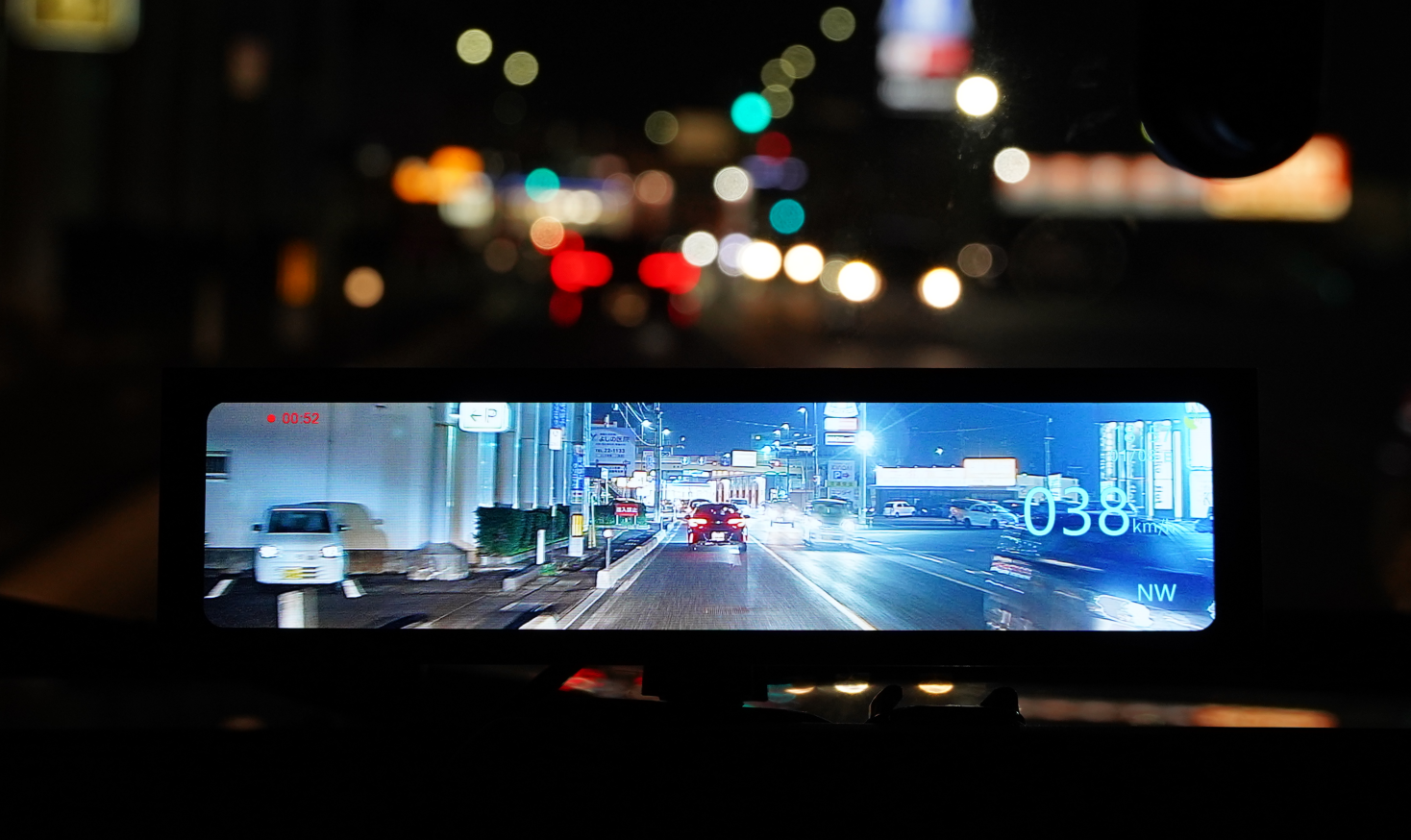
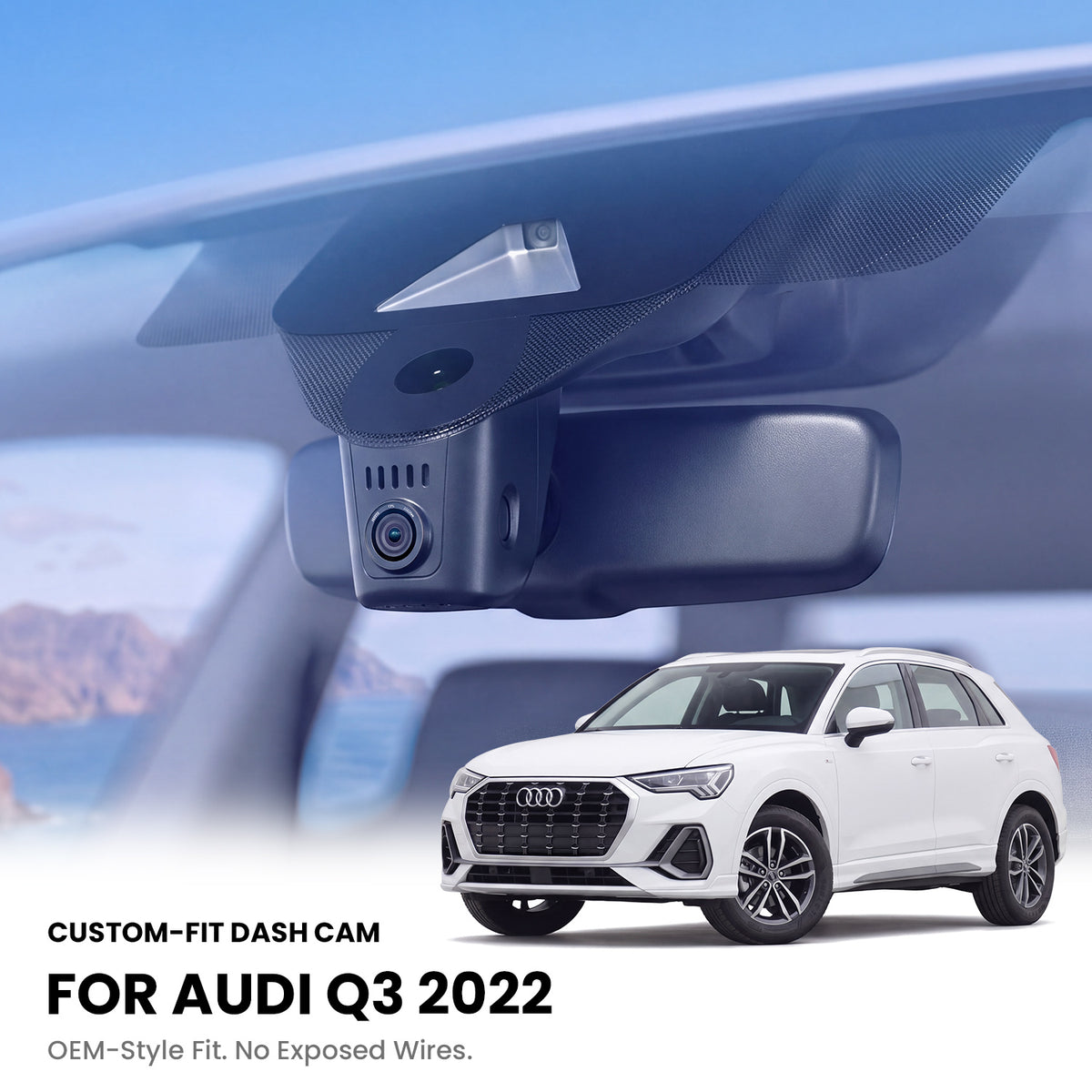
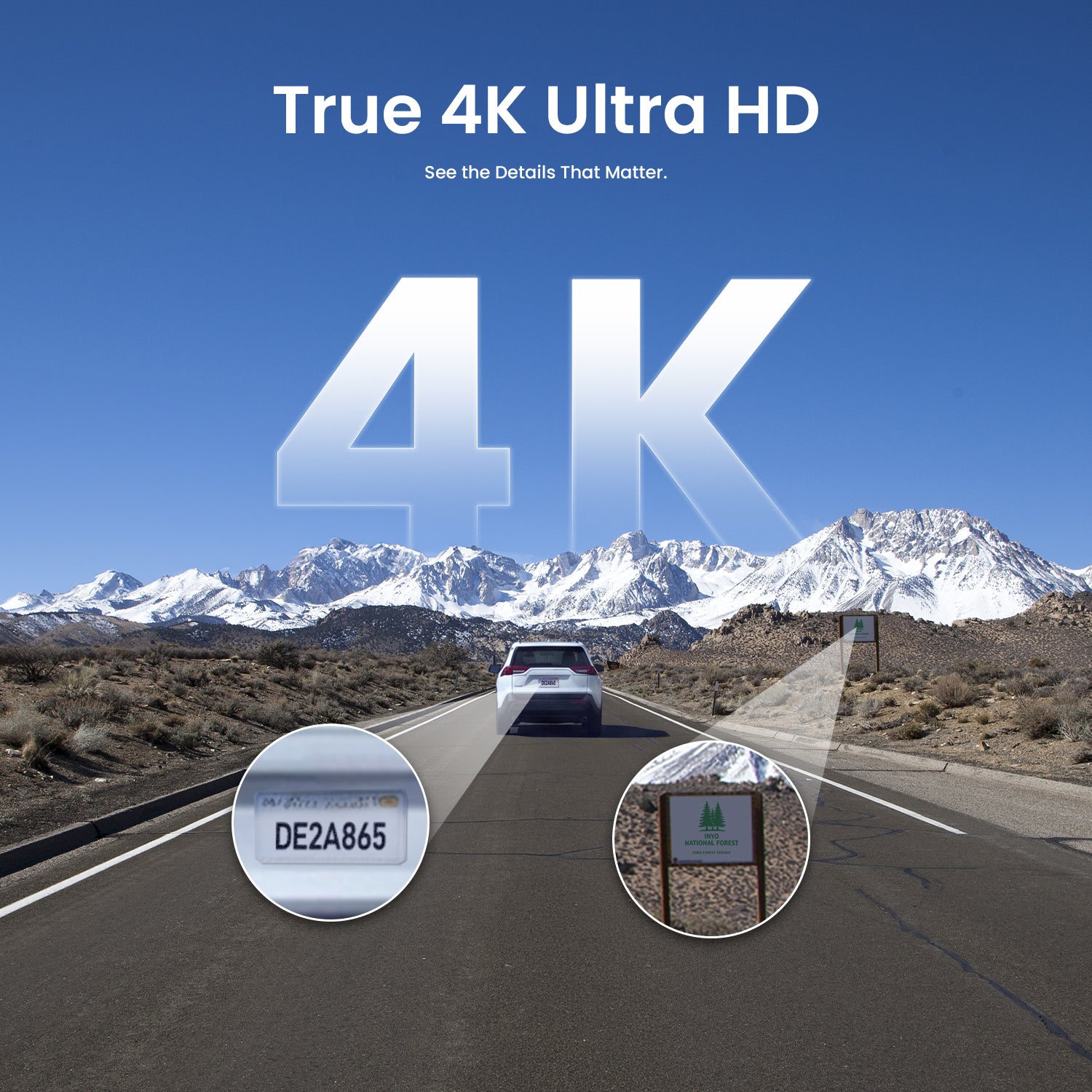


Made for the 2022 Audi Q3 and A6 Avant, XPRO delivers Sony STARVIS 2 IMX678 imaging and F1.08 low-light optics in a model-specific housing tailored to each cabin.
It swaps cleanly into the factory mirror cover with concealed wiring and reversible standard fitting, records automatically with loop and G-sensor protection, and connects to your phone for quick clip review—plus optional GPS route logging and parking power support.

XPRO
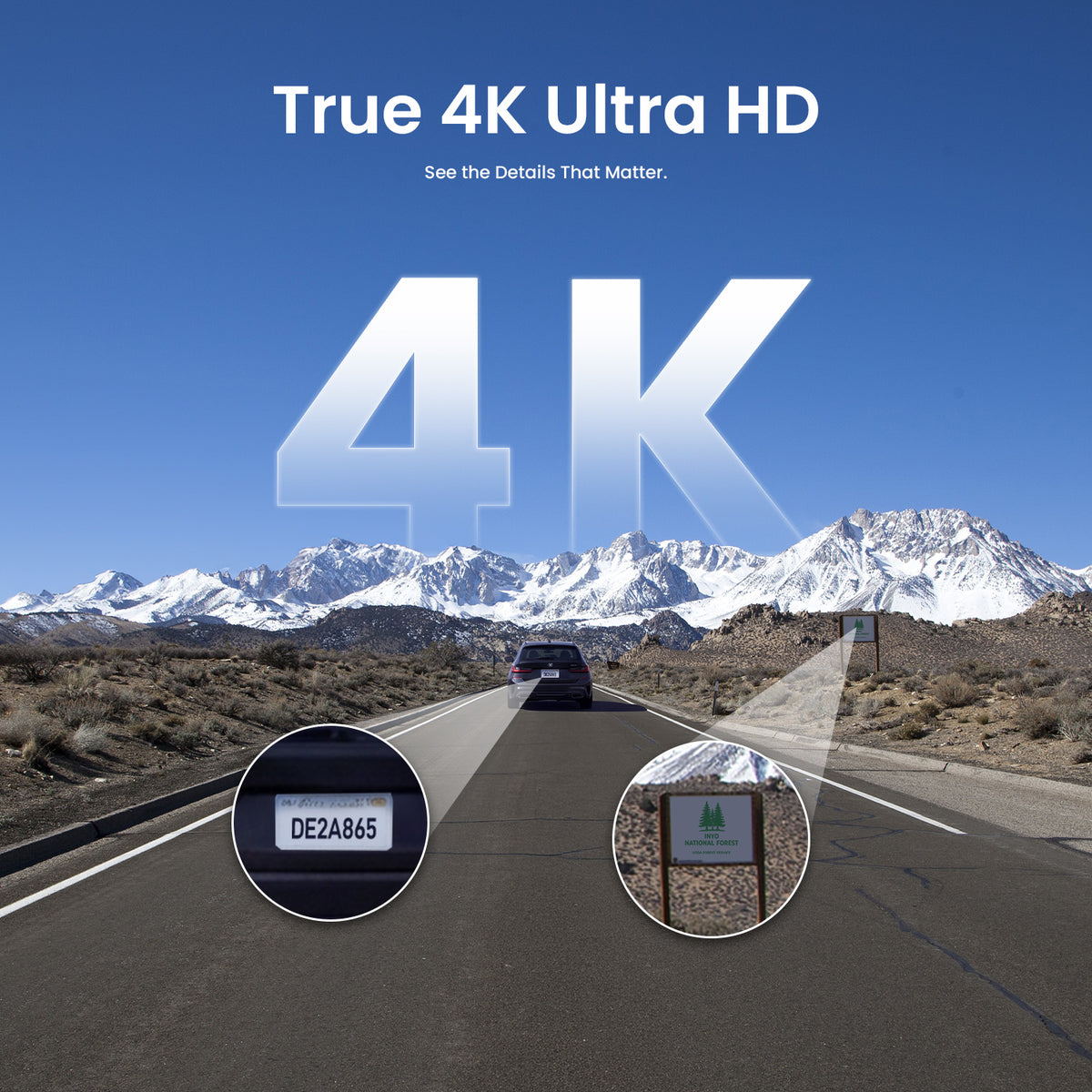
XPRO for the 2022 Audi Q3 and A6 Avant. One recording platform, with a housing for each model, Sony STARVIS 2 imaging and true 4K for the road ahead.
THE XPRO SYSTEM / FOR TWO AUDIS
A discreet housing at the mirror, and the recording tools you use every day — from 4K imaging to app access.


*Peak download speed under suitable conditions. Actual performance varies. GPS and parking monitoring require optional accessories.
01 / TWO AUDIS, ONE SYSTEM
The 2022 Q3 and A6 Avant share one XPRO recording platform. Each model uses its own housing at the mirror, with power tucked out of sight.
 ORIGINAL HOUSINGWITH XPRO
A vehicle-specific housing replaces the original cover around the rearview mirror. Select Q3 or A6 Avant in the options.
Driving power is concealed at the mirror, so the windshield stays clear of trailing cables and a suction-cup mount.
Standard installation needs no drilling or cutting. Keep the original cover if you want to refit it later.
02 / THE IMAGING PAIR
Sony STARVIS 2 captures the road detail. The F1.08 aperture brings in the light. HDR helps hold both ends of the exposure.
The IMX678 sensor is chosen for clear front-road detail, including as daylight begins to fade.
IMX678An F1.08 aperture lets more light reach the sensor in every recording.
F1.08Headlights, shade and a bright exit:
HDR helps keep detail in both the dark and the glare.
FOOTAGE THROUGH THE LENS
Pick a scene and watch it through.
Sony STARVIS 2 and F1.08 optics are shown here as daylight goes and street lighting takes over.
03 / RECORDING ON THE MOVE
Power the 2022 Q3 or A6 Avant, and XPRO takes care of the recording — from the first clip to the one you need to keep.

Recording begins when your Audi supplies power to XPRO. There is no daily start button to remember.
When the card is full, the oldest unlocked files are replaced. Choose 1, 3, 5 or 10-minute segments, or turn looping off.
If an impact is detected, the G-sensor locks the current recording so the normal loop cannot overwrite it. Three sensitivity levels are available.
04 / VOICE IN THE CABIN
Supported voice commands take a photo or lock a clip. Spoken updates tell you what the camera is doing, so you can stay with the road.

Take a photo, lock the current video, or control Wi-Fi and recording audio with the supported voice commands.
Spoken notifications report camera status, so you do not have to check a screen while driving.
The exact phrases depend on the language you select. See the product guide for the supported commands.
05 / REVIEW IN THE AKEEYO APP
Check the live view, find the recording you need and keep a copy — over a direct Wi-Fi link to XPRO.
LIVE PREVIEW
Open the live camera view in the AKEEYO app and check what XPRO sees before you set off.
Live preview demonstration in the AKEEYO app. Actual app layout may vary.

FIND & DOWNLOAD
Dual-band Wi-Fi · 2.4 GHz + 5 GHz
Browse your recordings, find the moment you need and save it to your phone — without removing the memory card.
Up to 20 MB/s is a maximum under suitable conditions. Actual transfer speed depends on your phone, connection and nearby interference.

KEEP & SHARE
Save a useful clip to your phone, then share it when you need to — after a routine drive, or after something unexpected.
Interface illustration only. Sharing options depend on your phone and installed apps.
06 / OPTIONAL GPS DATA
Add the optional GPS module to record route, speed, location, direction and time with the video,
then follow the journey as you review.
Follow the path you took.
Speed, stored with the clip.
Pin the place in the recording.
Direction and time, in order.
VIDEO AND ROUTE TOGETHER
Watch the video and its route together. Check a clip on your phone, or explore the journey on a computer.

Open the recording on your phone and follow the recorded route wherever you are.

Inspect the footage, the route and the driving data together on a computer.
Playback screens shown are illustrative. Route and driving data require the optional GPS module. App and desktop interfaces may vary.
07 / OPTIONAL PARKING POWER
Parking monitoring is available when you add an optional ACC hardwire kit or OBD power cable, sold separately.

TWO OPTIONAL POWER PATHS
A concealed connection to the fuse box for parking power.
A simpler plug-in setup at the OBD-II port.
Low-voltage cutoff: compatible accessories stop supplying power at their battery-voltage threshold. Monitoring time depends on battery condition, temperature and the accessory used.
08 / HARDWARE IN THE CABIN
Cabin heat, cold and everyday vibration are the conditions these components are designed around.

AUTOMOTIVE-GRADE SUPERCAPACITOR
A supercapacitor, rather than a conventional lithium battery, supplies brief backup power to save the current clip and shut down safely when vehicle power stops. It does not power parking monitoring.

SIX-LAYER ENIG CIRCUIT BOARD
A six-layer board with an ENIG finish supports electrical reliability. Gold-finished contacts help resist oxidation and corrosion.
09 / FOUR INSTALLATION STEPS
Follow these four steps for a discreet finish. This shared page uses Audi Q3 imagery as a visual reference for both listed models.
View the installation guideA closer look at each stepIllustration only. Follow the instructions supplied with your XPRO. This shared page uses Audi Q3 installation photographs as a visual reference for both the Q3 and the A6 Avant.

Release the mirror housing carefully with the trim tool.

Fit the compatible adapter and tuck the cable out of sight.

Seat the housing neatly behind the rearview mirror.

Open the AKEEYO app, check the camera view, and you are ready to record.
10 / CAMERA, THEN OPTIONS
The core camera records while driving. GPS and parking power are optional additions — not part of the standard kit unless you select them.
WHAT YOU ARE LOOKING AT
Everything for standard driving recording. GPS and parking power can be added separately.
Choose options Returns you to the product options at the top of this page. These tiles illustrate configurations and do not place an order.IN THE BOX
Core kit contents follow the current XPRO package: camera, compatible mirror adapter, trim tool, 64GB microSD and documentation. Confirm housing and accessory compatibility for your 2022 Audi before ordering. These tiles illustrate configurations and do not place an order.

A QUIETER CABIN. A CLEARER RECORD.
XPRO sits quietly at the mirror and takes care of the view through the lens.
11 / SPECIFICATIONS
XPRO recording specifications for the 2022 Audi Q3 and Audi A6 Avant —
the same unit, with a vehicle-specific housing for each model.
| Image sensor | Sony STARVIS 2 IMX678 |
|---|---|
| Recording | 4K at 25 fps · 2K · 1080p Front camera / single channel |
| Optics | F1.08 aperture · HDR 107° diagonal · 89° horizontal · 46° vertical |
| Connectivity | Dual-band Wi-Fi · AKEEYO app 2.4 GHz + 5 GHz · up to 20 MB/s under suitable conditions |
| Memory | 64GB microSD included Supports up to 256GB |
| Recording protection | Loop recording · G-sensor clip lock |
| Power & temperature | Automotive-grade supercapacitor −20°C to 70°C (−4°F to 158°F) |
| Voice control | Photo · clip lock · Wi-Fi · audio English / German / Japanese / Korean / Chinese |
| Voice alerts | Recording · Wi-Fi · audio · storage status |
| Loop intervals | 1 / 3 / 5 / 10 minutes / Off |
| G-sensor | 3 sensitivity levels |
| Circuit board | 6-layer PCB · ENIG finish |
| GPS | Optional GPS module |
| Parking monitoring | Optional ACC hardwire kit or OBD power cable required |
The same XPRO unit supports both listed Audi models. Confirm mirror-housing compatibility before ordering.
This XPRO is for the Audi Q3 (2022) and Audi A6 Avant (2022). Both options use the same XPRO recording unit, with a vehicle-specific housing and adapter. Select your vehicle in the options above. To confirm compatibility, email help@akeeyo.com with your model, year, trim, country and a clear photo of the mirror housing.
No. This is a front-only, single-channel dash cam. It records the road ahead in true 4K at 25 fps and does not include a rear camera.
The standard Audi mirror power connection supports recording while you drive. Parking monitoring needs a compatible ACC hardwire kit or OBD power cable, sold separately. How long monitoring lasts depends on battery condition, temperature and the accessory.
Yes. Use the AKEEYO app over the camera’s Wi-Fi to preview, review and download clips. GPS route information still requires the optional GPS module.
English, German, Japanese, Korean and Chinese are supported. Use the phrases in the guide for the language you select. Commands cover taking a photo, locking the current video, and controlling Wi-Fi or recording audio.
No. It only supplies brief backup power to save the current recording and shut down safely. Parking monitoring still needs a compatible ACC hardwire kit or OBD power cable.
The current XPRO kit contains the camera, a compatible mirror power adapter, trim tool, 64GB microSD card and documentation. Confirm the housing and package for your 2022 Audi before ordering. GPS and parking power accessories are optional.
CONFIRM YOUR AUDI FIT
Tell us the exact Audi model and year, and we will help confirm the matching housing.
Not sure whether this version matches your Q3 or A6 Avant?
Email help@akeeyo.com with your model, year, trim and country, plus a photo of the housing behind your rearview mirror. Our team will help confirm compatibility.
Email help@akeeyo.com help@akeeyo.com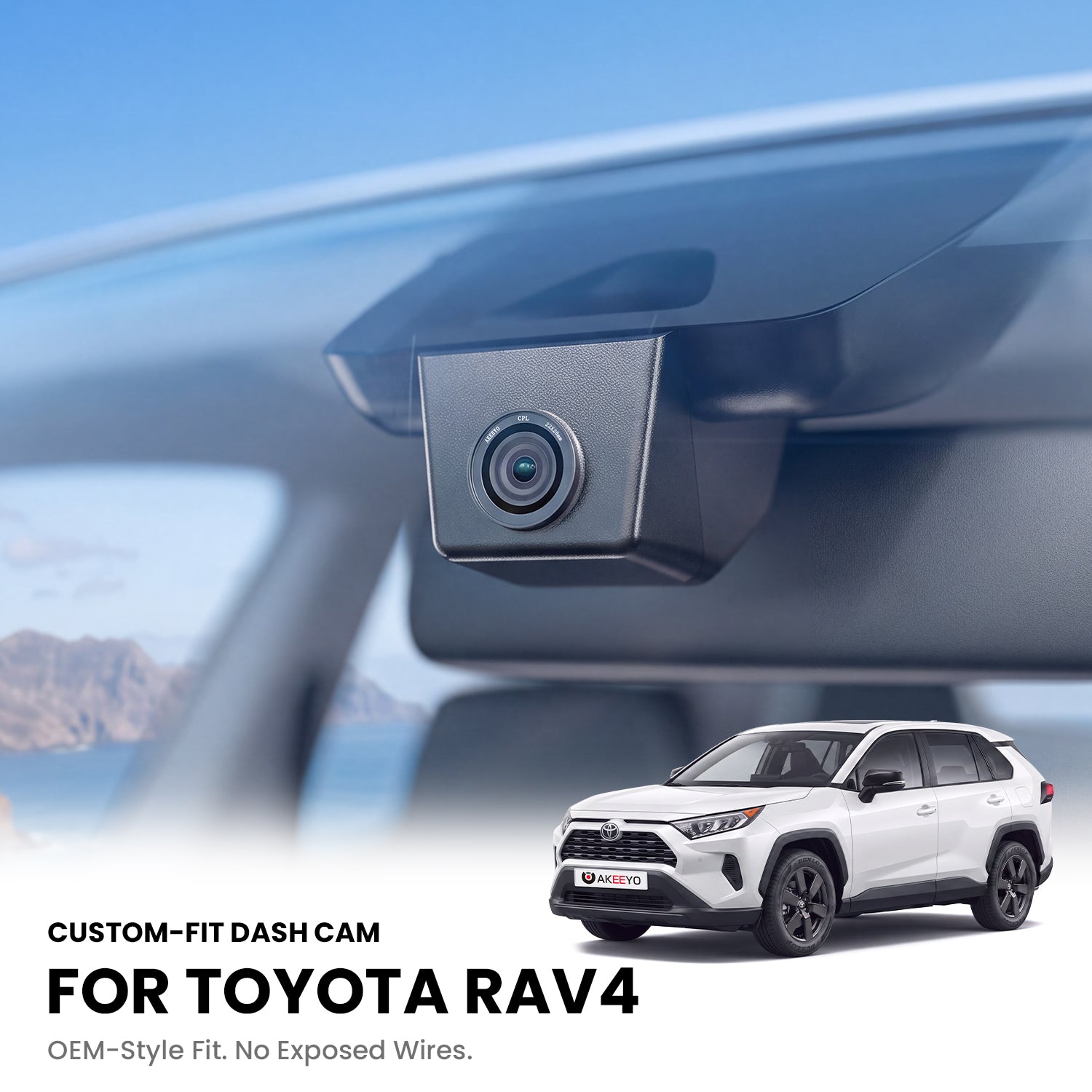


Top 10 Must-Have Accessories for Your Toyota RAV4 (2019–2025)
The best RAV4 add-ons disappear into the car. Ten accessories chosen for daily use and clean fit, from floor liners to a hidden dash cam, none of them needing a drill.

Hidden Dash Cam Installation for RAV4: No Suction Cups, No Dangling Wires
A RAV4 dash cam doesn't have to hang on the glass with a wire down the pillar. Here's how a mirror-base install hides everything, and the one case where you still run a cable.
XPRO vs Universal Dash Cams for RAV4: How It Compares to 70mai, Viofo, and Vantrue
70mai, Viofo, and Vantrue flagships share the XPRO's Sony sensor. The real differences are the lens, the energy store, the temperature rating, and where the camera mounts on a RAV4.