


The moment after a crash is loud, confusing, and fast. Your hands are shaking, the other driver is already talking, and the thing you bought a dash cam for is sitting right in front of you — recording over itself, one minute at a time.
Most dash cam footage is lost not because the camera failed, but because of what happened in the first half hour afterward. The clip got overwritten. The card got pulled before the file finished. The video was never sent to anyone who could use it.
This guide walks a RAV4 owner through the order of events after a collision: safety first, then the legal basics, then how to lock, save, and hand over the footage so it actually does its job. It uses the AKEEYO XPRO for the camera-specific steps.
This article is general information, not legal advice. Laws and reporting rules differ by state and province.
First: safety and the legal basics
Everything below assumes you have handled these first. The California Department of Insurance's guidance is a good model for any U.S. state (CDI, What to Do After an Accident):
- Stop. Move the vehicle only if it is safe to do so.
- Check for injuries and call 911 if anyone is hurt.
- Call the police. They may not respond to every minor scene, but most insurance policies require police notification within a set time, and a report number matters later.
- Exchange information. Names, addresses, phone numbers, driver's license numbers, license plates, and insurance details for every driver. Ask to see the license and registration rather than taking a verbal answer. Get contact details for passengers and witnesses.
- Photograph the scene. Damage to all vehicles, the road, traffic signs, anything that blocked a view.
- Notify your insurer promptly. In California, you must also report to the DMV within 10 days if anyone was injured or damage exceeds $750; other states have their own thresholds.
Your dash cam does not replace any of this. It makes step 4 and step 5 much harder to dispute.
Why dash cam footage changes how a claim is handled
Without video, a claim comes down to two accounts of the same event, a police report written after the fact, and photos of the result. Fault is assigned from that mix, and when stories conflict, insurers often split responsibility or lean on whichever driver documented more.
A clear clip of the seconds before and after impact removes most of the argument. It shows who was in which lane, who had the light, who was already stopped. That is why the most important thing you can do after the scene is safe is to make sure the clip exists, is protected, and gets to the right people. The rest of this guide is about that.
Is your footage already locked?
Dash cams record in a loop. On the XPRO, each file is one to three minutes long, and once the card is full, the oldest file is overwritten. That is normal and it is what you want for everyday driving. It is also how accident footage disappears if nothing protects it.
The XPRO protects the clip two ways:
- Automatically. The built-in G-sensor detects the jolt of an impact and locks the current file so the loop cannot overwrite it. Sensitivity is adjustable across three levels.
- By voice. If the impact was light enough that the G-sensor did not trigger — a low-speed bump in traffic, for example — say the voice command to lock the video. The file is protected immediately, without touching the camera or your phone.
Do this before anything else camera-related. A locked file is safe no matter how long the drive home takes. An unlocked file is on a timer.

How to pull the clip off the camera without a cable
Once the file is locked, get a copy off the card. Do not pull the microSD card at the scene; a card removed while the camera is writing can corrupt the file you are trying to save.
The XPRO connects to the AKEEYO app (iOS and Android) over built-in dual-band Wi-Fi. From your phone you can preview, play back the locked clip, and download it to the phone's storage. That copy is now independent of the camera and the card, and you can send it from your phone like any other video.
Download the locked clip and the file before it. The impact clip shows the collision; the previous minute often shows the lane change, the signal, or the stop that explains it.
What if the other driver left?
Hit-and-run is more common than most drivers assume. Research from the AAA Foundation for Traffic Safety found that more than 900,000 police-reported crashes in 2023 — about 15 percent — involved a driver who left the scene. (AAAFTS, March 2026)
If it happened while you were driving, your front camera likely captured the vehicle before or after the impact. Lock the clip, download it, and give it to the police with your report; a plate number, or even a make, model, and color, changes what they can do.
If it happened while you were parked, the camera only helps if it was awake. The XPRO supports parking monitoring with an optional OBD or hardwire power cable, recording and locking a clip when the G-sensor detects a bump. Keep in mind the XPRO is a single front camera: it covers the view ahead of your RAV4, so a vehicle that hits the rear or side will only appear if it passes through the front view.

How GPS data strengthens a claim
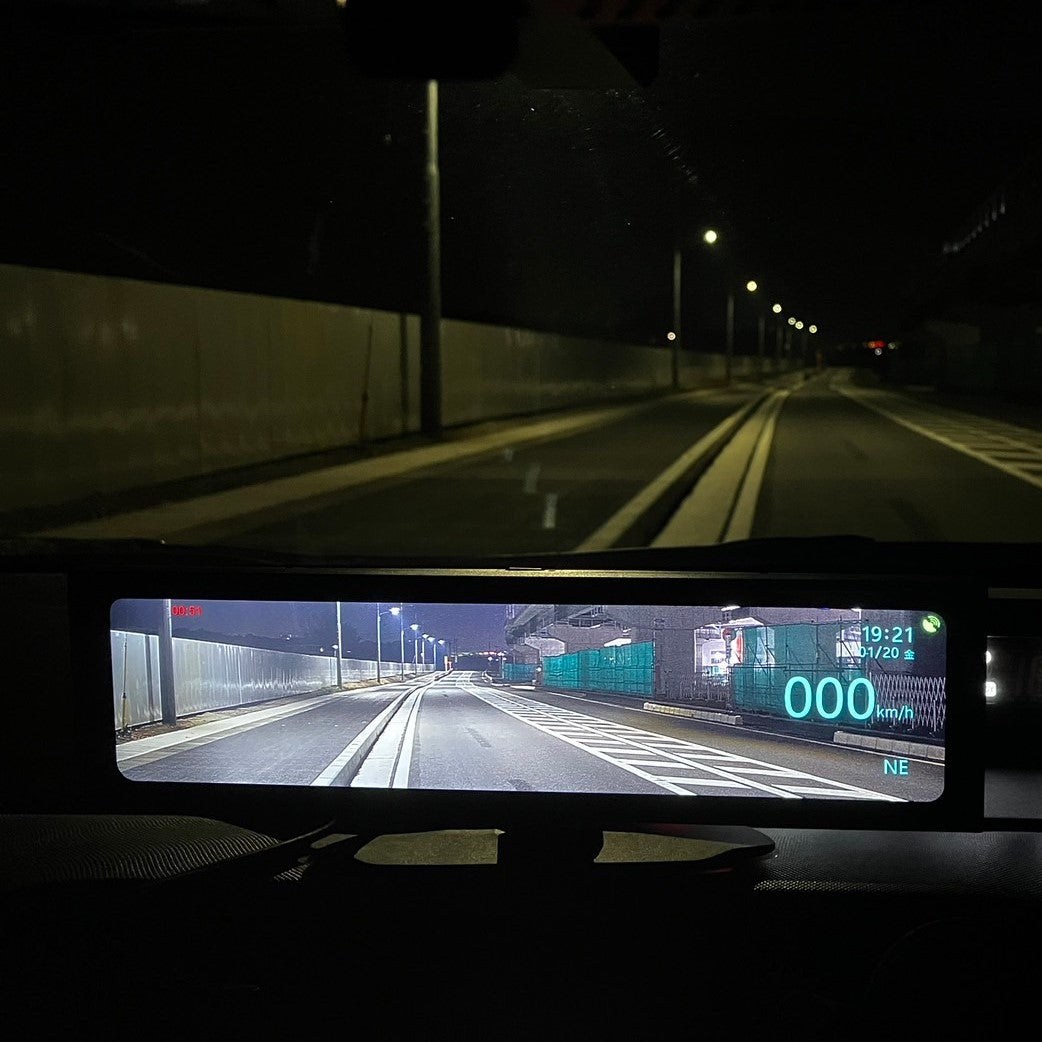
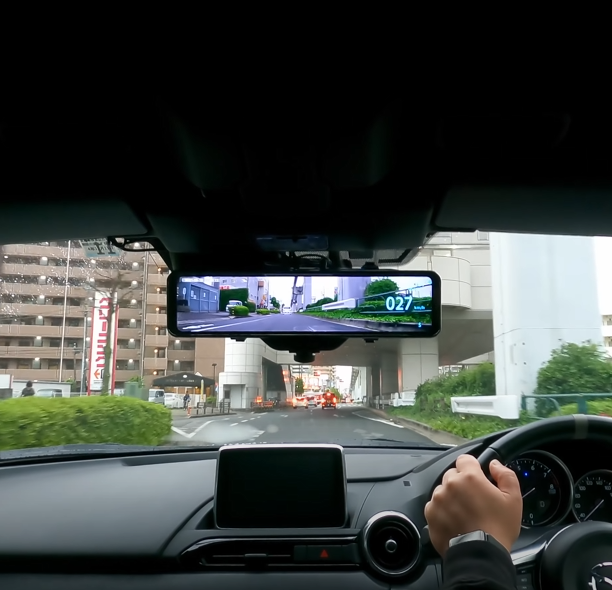
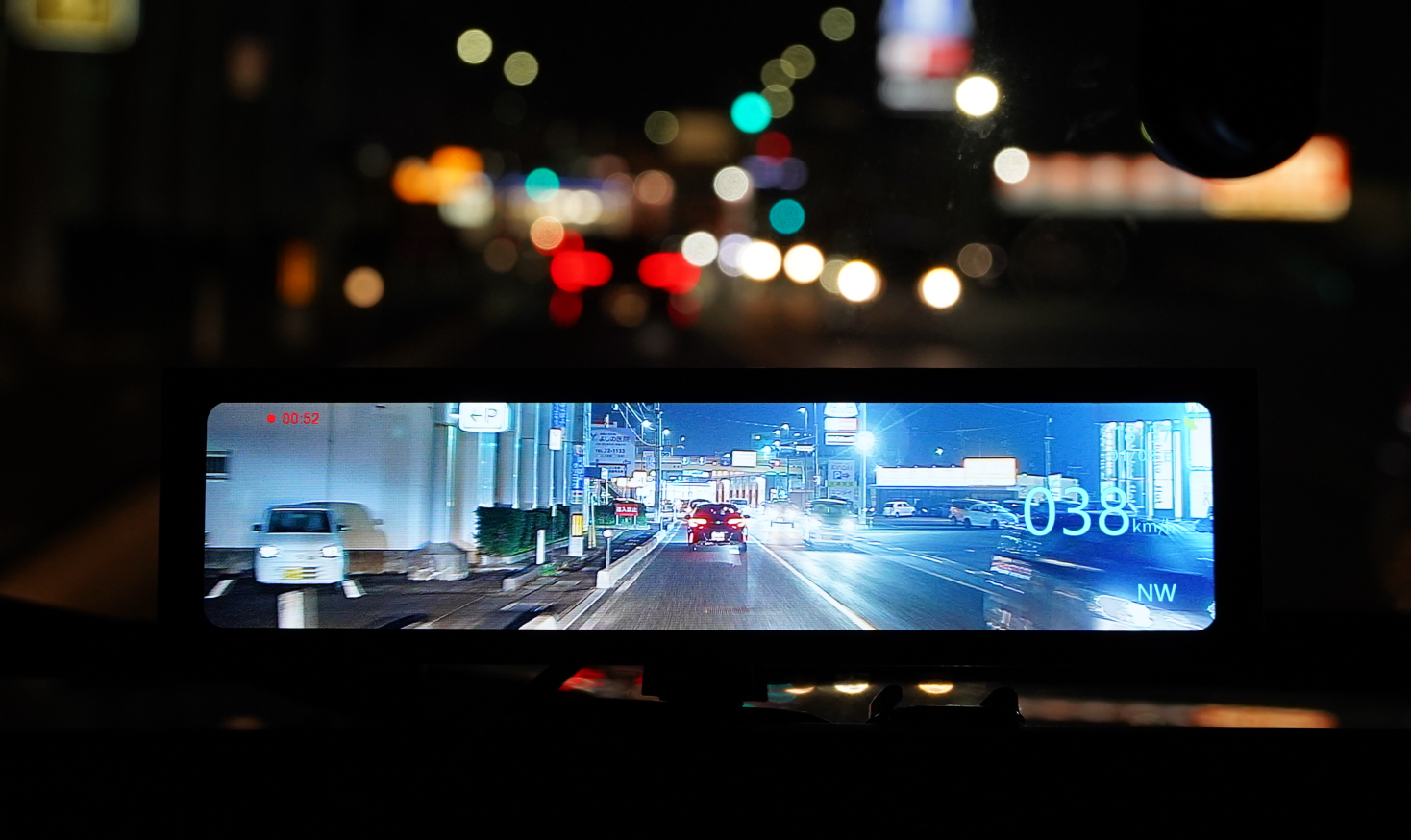
Video shows what happened. GPS shows where and how fast. With the optional GPS module, the XPRO stamps latitude and longitude, speed, and heading into the recording, and the app can display the route on a map.
This matters in two common disputes. The first is speed: when the other party claims you were going too fast, a speed overlay on the clip is a direct answer rather than an estimate. The second is location: a time-stamped position confirms the intersection, the lane, and the direction of travel without relying on memory. Insurers and police can read it straight from the footage.
GPS is an add-on, not standard, so if this kind of evidence matters to you, it is worth adding when you buy the camera rather than after the first incident.

What to send your insurer, and what to keep
Send: the locked impact clip, the clip immediately before it, your photos from the scene, the police report number, and the other driver's details. Send the video as the original file, not a screen recording or a compressed message-app version; the plate is in the detail.
Keep: the original files on your phone and in cloud storage, and leave the locked files on the microSD card until the claim is closed. Locked files stay on the card; everything else continues to loop.
Do not post the footage publicly before your insurer and, if relevant, the police have it. Once it is online, you lose control of how it is used, and in a contested claim that can work against you.
Two minutes of video can settle a dispute that would otherwise take two months. The camera does its part automatically. The part that is yours is simple: lock it, download it, send the original.

Leave a comment
All comments are moderated before being published.
This site is protected by hCaptcha and the hCaptcha Privacy Policy and Terms of Service apply.