
A T-Roc-specific cover
A T-Roc-specific housing replaces the original cover around the rearview mirror.
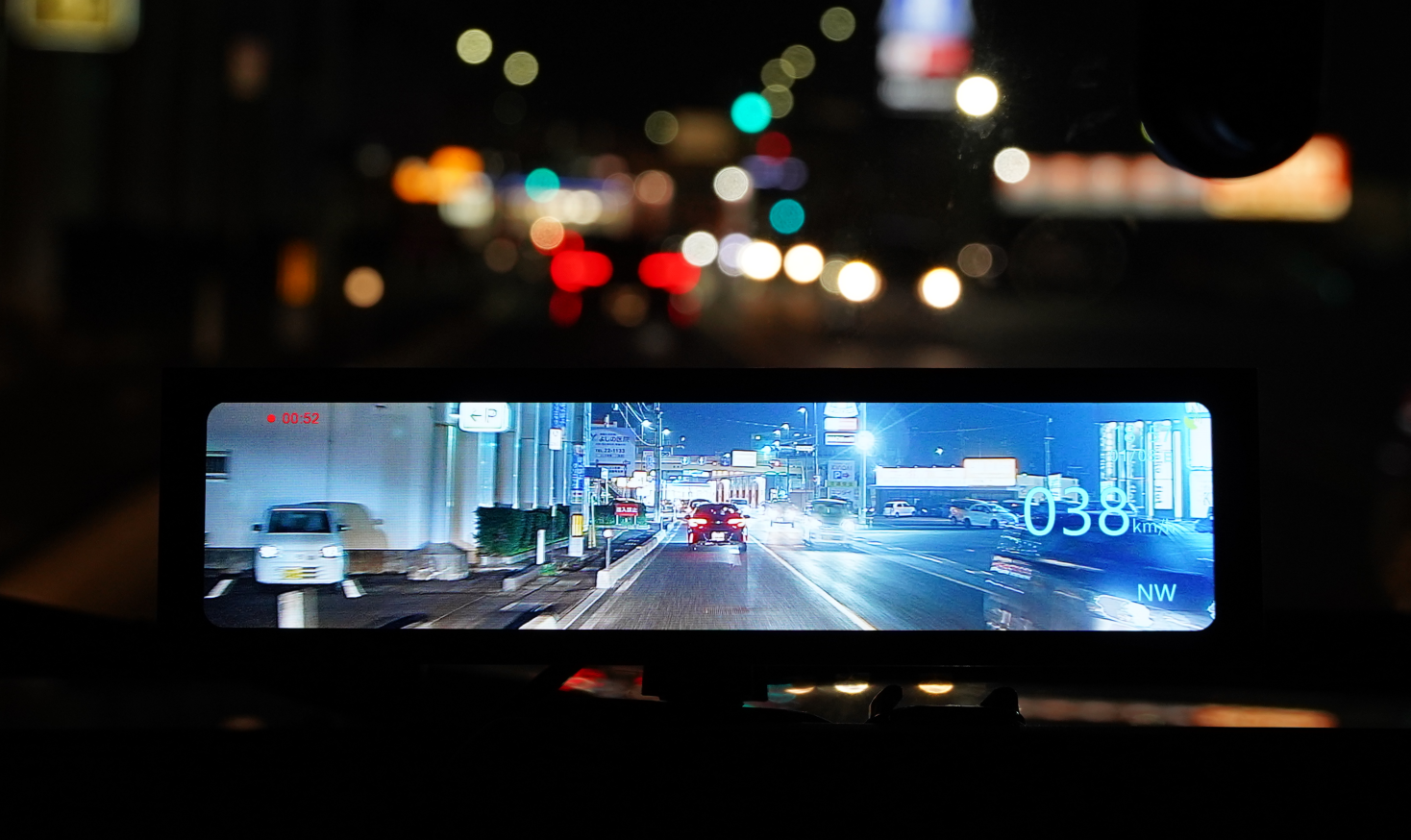

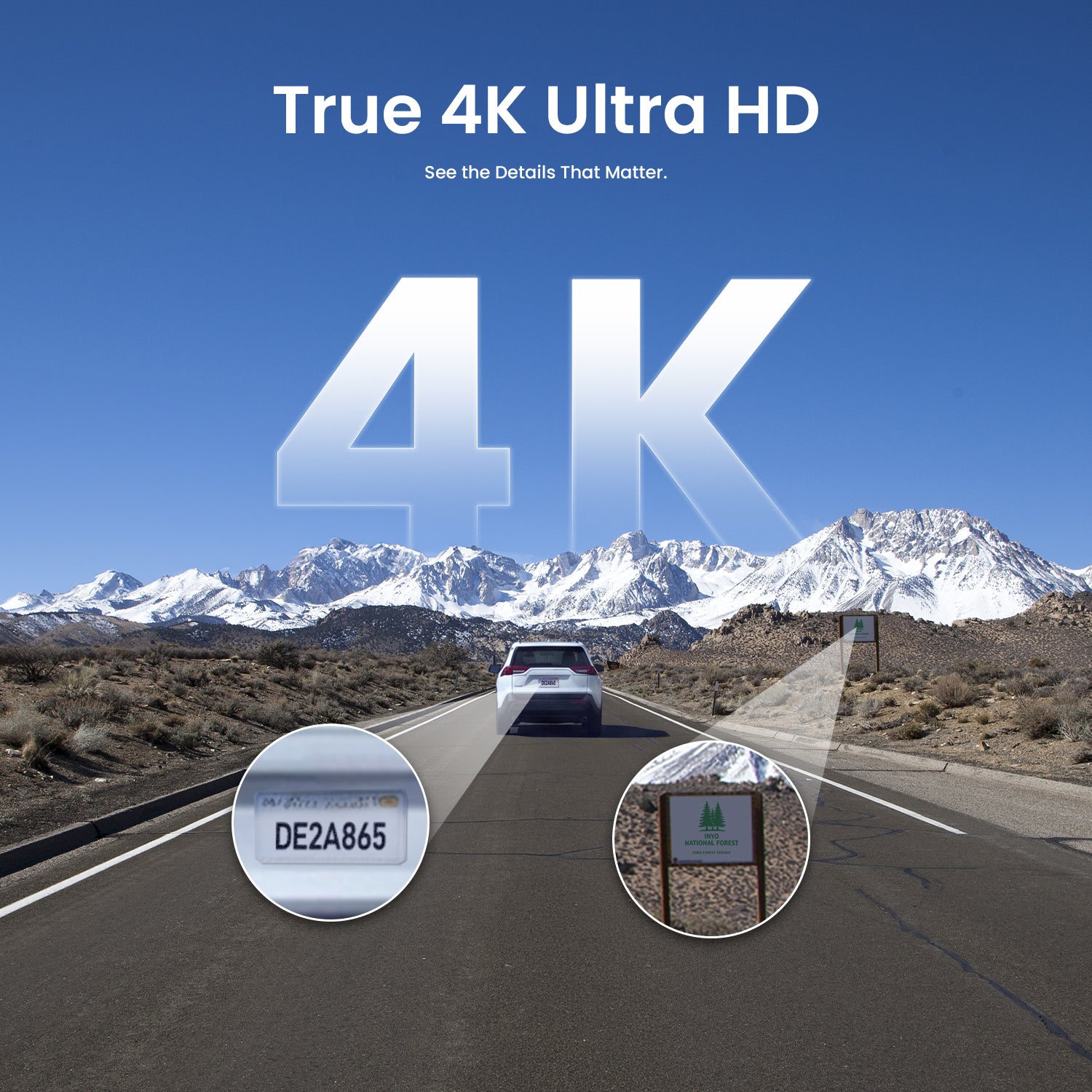


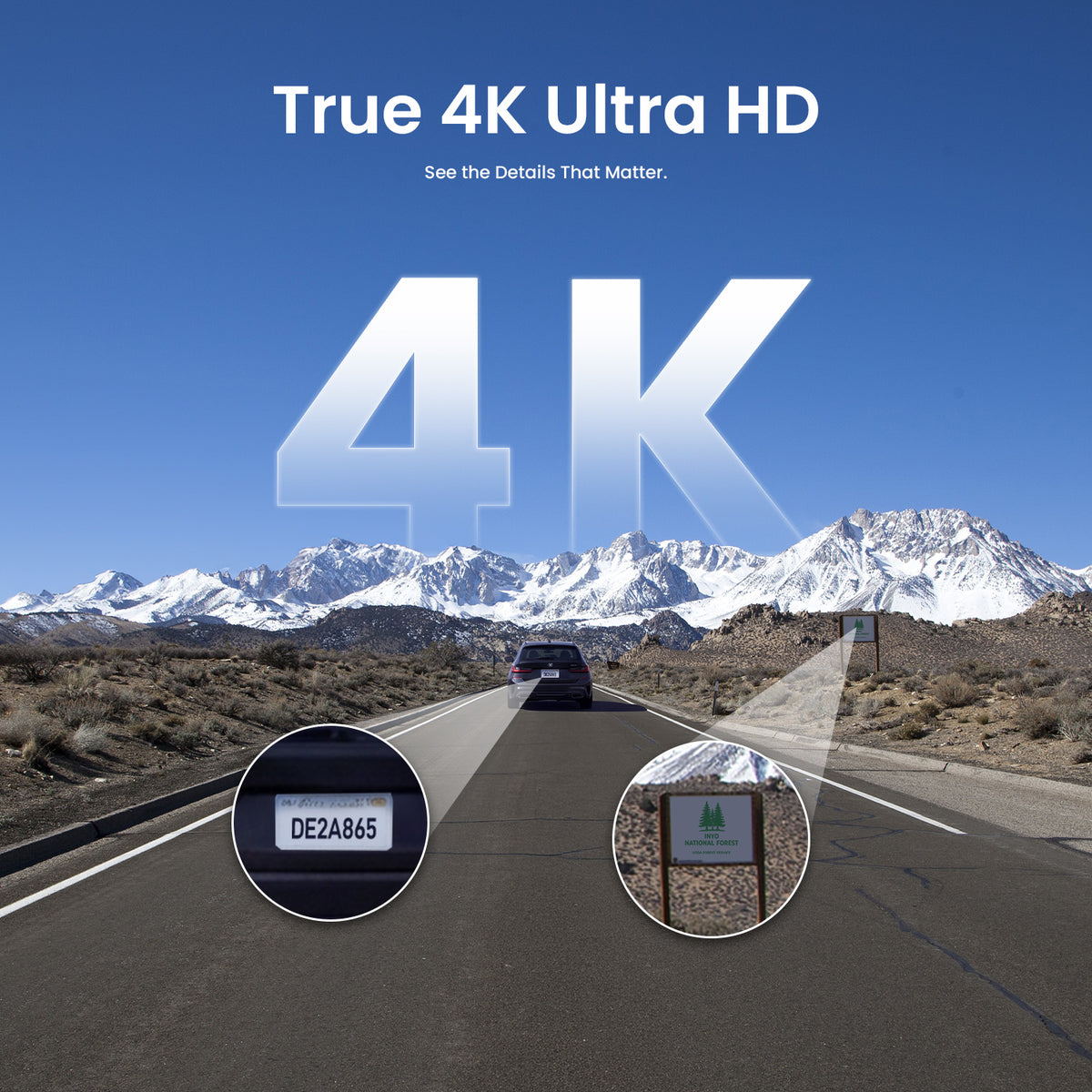
Made for the 2025 Volkswagen T-Roc, XPRO pairs a vehicle-specific mirror cover with a Sony STARVIS 2 IMX678 sensor and F1.08 optics for sharp day-and-night detail on city streets and weekend drives.
It installs cleanly around the mirror with concealed power and reversible standard fitting, starts automatically with your drive, and connects to your phone for fast video access—plus optional GPS logging and parking mode support.

XPRO
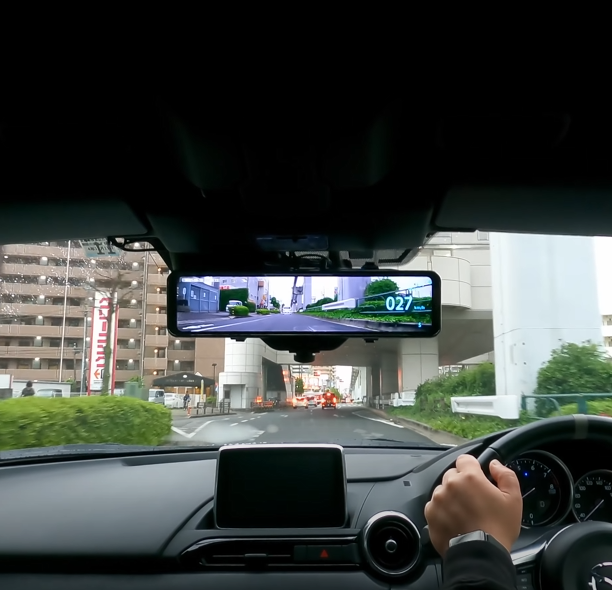
XPRO for the 2025 Volkswagen T-Roc. Discreet at the mirror, with Sony STARVIS 2 imaging and true 4K for city streets and everyday roads.
True 4K recording
Sony IMX678
F1.08 lens
T-Roc mirror housing
XPRO FOR THE 2025 T-ROC
From weekday traffic to a weekend drive, here are the core tools that sit inside XPRO for your T-Roc.


*Maximum speed under suitable conditions; actual results vary. GPS and parking monitoring need separate accessories.
01 / FITTED AT THE T-ROC MIRROR
A T-Roc-specific housing sits at the rearview mirror and keeps the dashboard clear of a suction mount. Confirm your mirror housing with the team before ordering.
 ORIGINAL HOUSINGWITH XPRO
A T-Roc-specific housing replaces the original cover around the rearview mirror.
Power for driving is routed at the mirror, so the T-Roc windshield is not taken up by a suction-mount cable.
Standard installation on the T-Roc does not need drilling or cutting. Keep the original cover for a later refit.
02 / LIGHT ON EVERYDAY ROADS
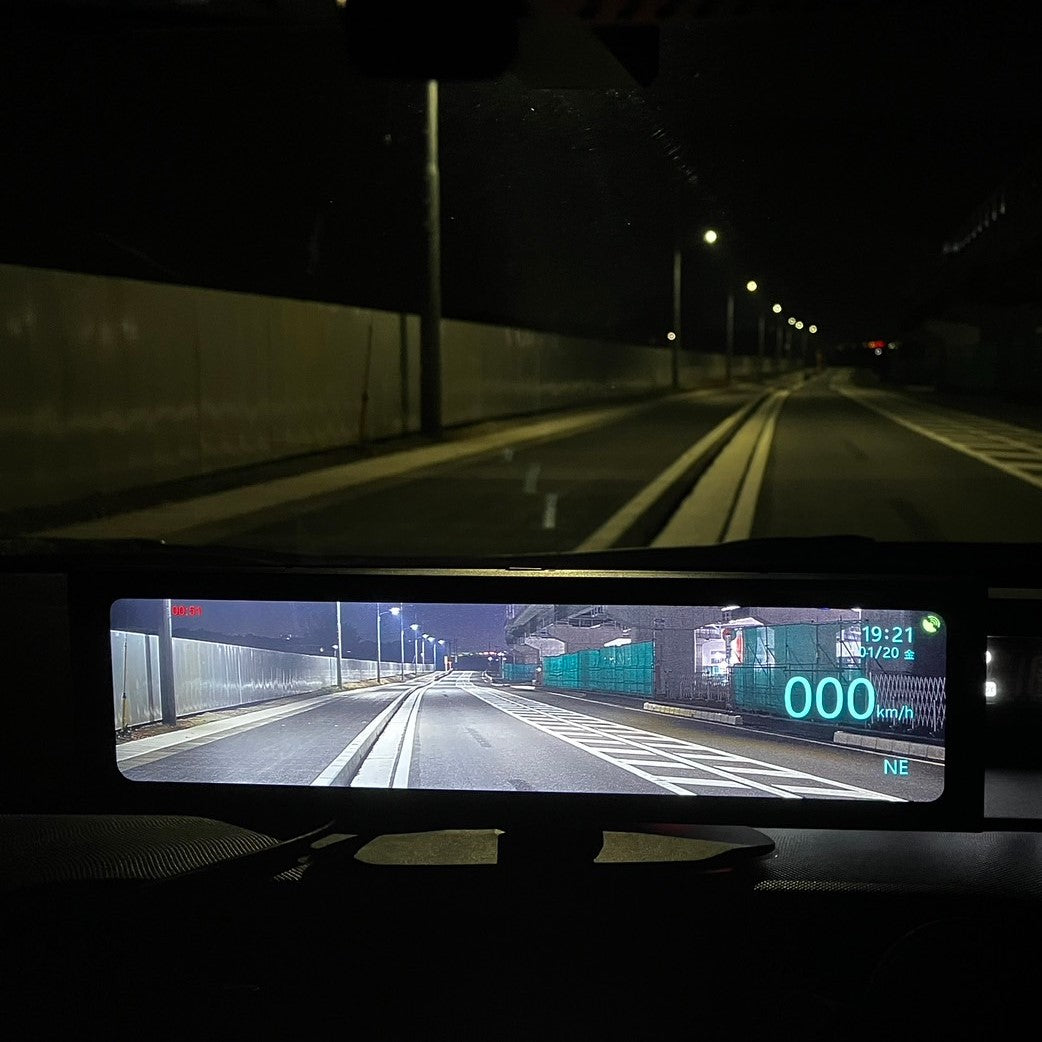
Sony STARVIS 2 and an F1.08 aperture work with HDR when T-Roc roads move from shade into glare.
The IMX678 sensor helps keep road detail visible as evening light drops around the T-Roc.
IMX678F1.08 optics bring more light into the recording when streets are poorly lit.
F1.08Bright headlights and a shaded street
can arrive together. HDR helps keep both visible.
ROAD SAMPLES
Tap a scene to play the sample.
The samples show Sony STARVIS 2 and F1.08 optics as road light changes.
03 / A RECORD OF THE DRIVE
From the morning start to the drive home, automatic recording and impact-locked clips keep a file of the T-Roc journey.

XPRO starts recording when the T-Roc supplies power. There is no daily button press to remember.
As the card fills, older unlocked recordings are replaced. You can loop in 1, 3, 5 or 10-minute pieces, or turn looping off.
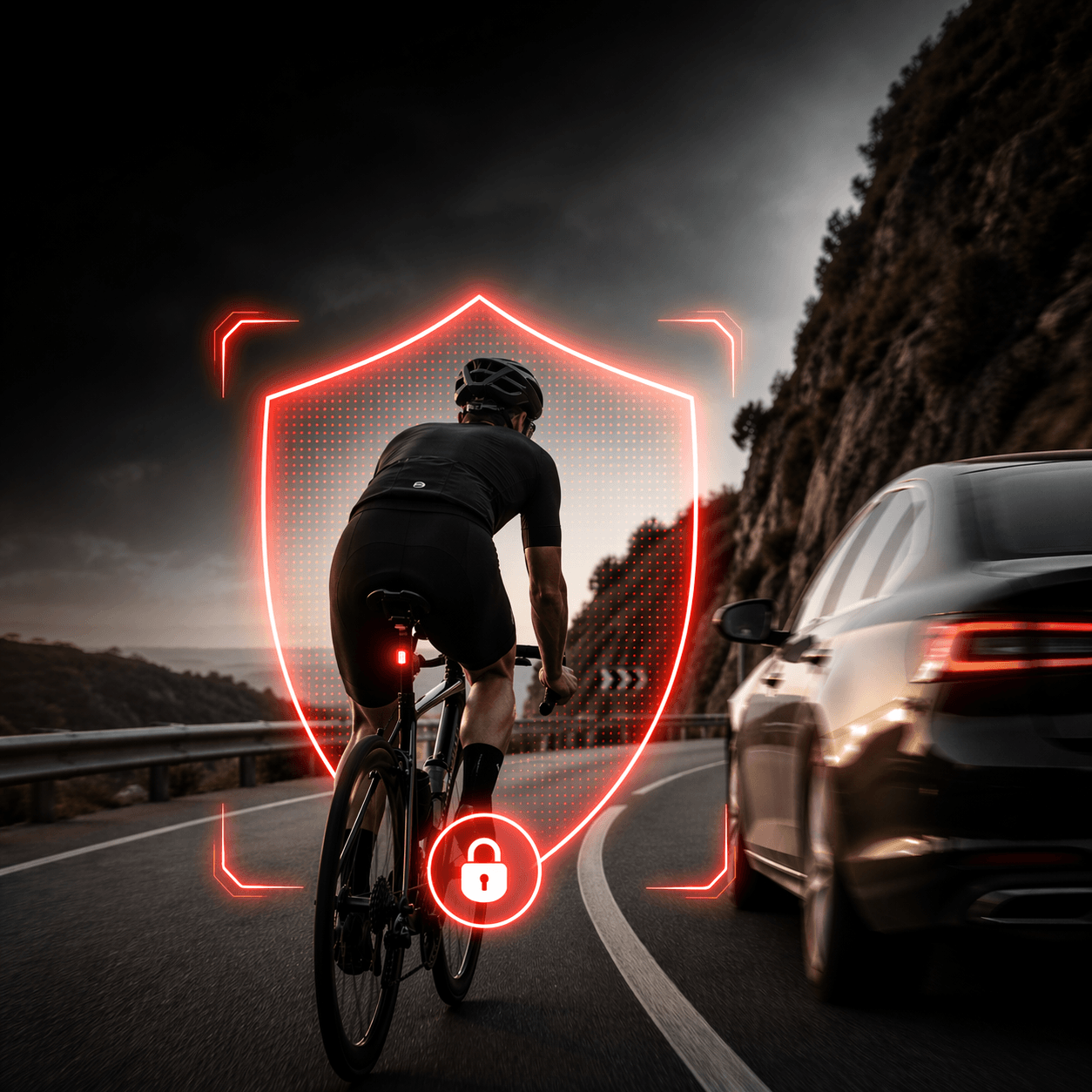
When the G-sensor detects an impact, it locks the current recording so the loop will not replace it. Detection has three sensitivity levels.
04 / COMMANDS AND ALERTS
Supported commands capture a moment or protect a clip, and control Wi-Fi or recording audio. Spoken updates confirm what changed.

Use supported voice commands to take a photo, lock the current video, or control Wi-Fi and recording audio.
You can hear when the camera’s status changes, instead of checking the unit while you drive.
Supported phrases vary by language. Check the product guide for the list that applies.
05 / APP ACCESS OVER WI-FI
Preview the camera view, locate a recording and save a clip through the camera’s own Wi-Fi connection.
LIVE PREVIEW
The AKEEYO app shows the live camera view, so you can check it before the T-Roc moves off.
AKEEYO app live preview demonstration for this T-Roc page. Actual app layout may vary.

FIND & DOWNLOAD
2.4 GHz + 5 GHz Wi-Fi
Go through the recordings, choose a clip and download it to your phone without a card reader.
Transfer speed is up to 20 MB/s under suitable conditions and depends on your phone, connection and interference.

KEEP & SHARE
Download a clip you want to keep, store it on the phone, and share it later if you need to.
Feature illustration. Sharing options vary by phone.
06 / GPS MODULE, IF YOU WANT IT
Add optional GPS to attach route, speed and location to
T-Roc recordings, and review the path with the footage.
Replay the path of the trip.
See the speed at that moment.
Match the clip to a place.
Place each moment in order.
WATCH, THEN TRACE
Open the clip and follow its path on your phone, or use the desktop player for a wider view.

Review the T-Roc recording on your phone and follow the route that was stored with it.

On a computer, you can explore the video, route and driving data in one place.
Illustrative playback interfaces. GPS information requires the optional module and may look different in your software.
07 / ADD PARKING POWER TO THE T-ROC
Add compatible parking power if you want the T-Roc recorded while it is parked. The accessories are sold separately.

PICK A COMPATIBLE POWER ACCESSORY
Fuse-box connection for concealed parking power.
Plug-in parking power through the OBD-II port.
Low-voltage protection on compatible accessories cuts power at a set battery threshold. Monitoring time is not fixed — it depends on battery condition, temperature and the kit you use.
08 / IN-CAR HARDWARE
A supercapacitor and a carefully finished circuit board support everyday recording in the T-Roc cabin.

AUTOMOTIVE-GRADE SUPERCAPACITOR
When T-Roc power stops, the supercapacitor offers brief backup to save the current clip and shut down safely — not to keep recording while parked.

SIX-LAYER ENIG CIRCUIT BOARD
A six-layer PCB with an ENIG finish supports everyday electrical reliability, and gold-finished contacts help resist oxidation and corrosion.
10 / T-ROC KIT AND ADD-ONS
Begin with the T-Roc camera kit for driving. GPS and parking power remain optional additions to the core camera.
KIT BREAKDOWN
The standard kit covers driving recording. GPS and parking power can be added separately.
Choose T-Roc options Returns to the product options at the top of this page. The configurations shown are illustrative and do not place an order.THE CORE T-ROC KIT
Core kit contents follow the current XPRO package. Confirm the 2025 T-Roc housing, adapter and accessory compatibility before ordering. These tiles illustrate configurations and do not place an order.

XPRO / FOR EVERYDAY T-ROC ROADS
A discreet recorder for city streets and everyday T-Roc roads.
11 / T-ROC SPECIFICATIONS
XPRO recording specifications, paired with
a housing for the 2025 Volkswagen T-Roc.
| Image sensor | Sony STARVIS 2 IMX678 |
|---|---|
| Recording | 4K at 25 fps · 2K · 1080p Front camera / single channel |
| Optics | F1.08 aperture · HDR 107° diagonal · 89° horizontal · 46° vertical |
| Connectivity | Dual-band Wi-Fi · AKEEYO app 2.4 GHz + 5 GHz · up to 20 MB/s under suitable conditions |
| Memory | 64GB microSD included Supports up to 256GB |
| Recording protection | Loop recording · G-sensor clip lock |
| Power & temperature | Automotive-grade supercapacitor −20°C to 70°C (−4°F to 158°F) |
| Voice control | Photo · clip lock · Wi-Fi · audio English / German / Japanese / Korean / Chinese |
| Voice alerts | Recording · Wi-Fi · audio · storage status |
| Loop intervals | 1 / 3 / 5 / 10 minutes / Off |
| G-sensor | 3 sensitivity levels |
| Circuit board | 6-layer PCB · ENIG finish |
| GPS | Optional GPS module |
| Parking monitoring | Optional ACC hardwire kit or OBD power cable required |
Recording performance follows the current XPRO specification. Confirm the 2025 T-Roc housing, vehicle fit and final package before ordering.
Mirror housings can differ by trim and market. Email help@akeeyo.com a clear photo of the housing behind your rearview mirror, plus your model year, trim and country. Confirm the 2025 T-Roc housing and adapter before you order. Prepare a fit-check email ↗
No. The T-Roc kit is a front-only, single-channel dash cam recording the road ahead in true 4K at 25 fps.
Driving power from the standard T-Roc mirror connection does not include parking monitoring. You will need a compatible ACC hardwire kit or OBD power cable, sold separately. Duration varies with battery condition, temperature and the accessory.
Yes. Connect to the camera’s Wi-Fi in the AKEEYO app to preview and download T-Roc clips. GPS route information requires the optional GPS module.
Voice control on the T-Roc kit supports English, German, Japanese, Korean and Chinese. The guide has the phrases. You can take a photo, lock the current video, and control Wi-Fi or recording audio.
No. On the T-Roc it only provides brief backup power to save the current recording and shut down safely. Continued parking monitoring needs a compatible ACC hardwire kit or OBD power cable.
The current XPRO kit includes the camera, a compatible power adapter, trim tool, 64GB microSD card and documentation. Confirm the package for your 2025 T-Roc before ordering. GPS and parking power accessories are optional.
CONFIRM YOUR T-ROC FIT
A photo of the T-Roc mirror housing is the surest way to confirm the 2025 fit.
Not sure whether XPRO matches your 2025 T-Roc?
Email help@akeeyo.com with your model, year, trim and country, plus a photo of the housing behind your rearview mirror. Our team will help confirm 2025 T-Roc compatibility.
Email help@akeeyo.com help@akeeyo.com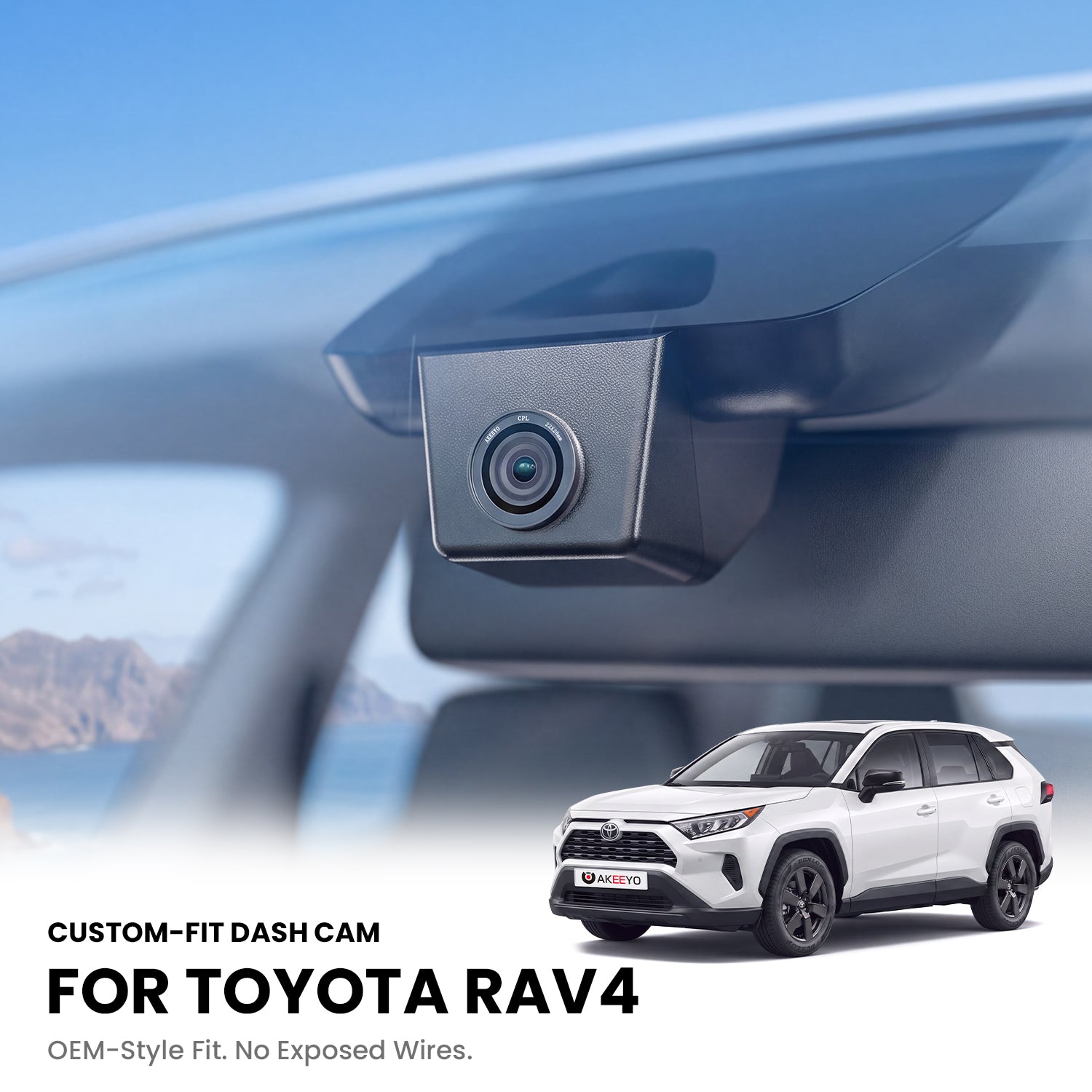
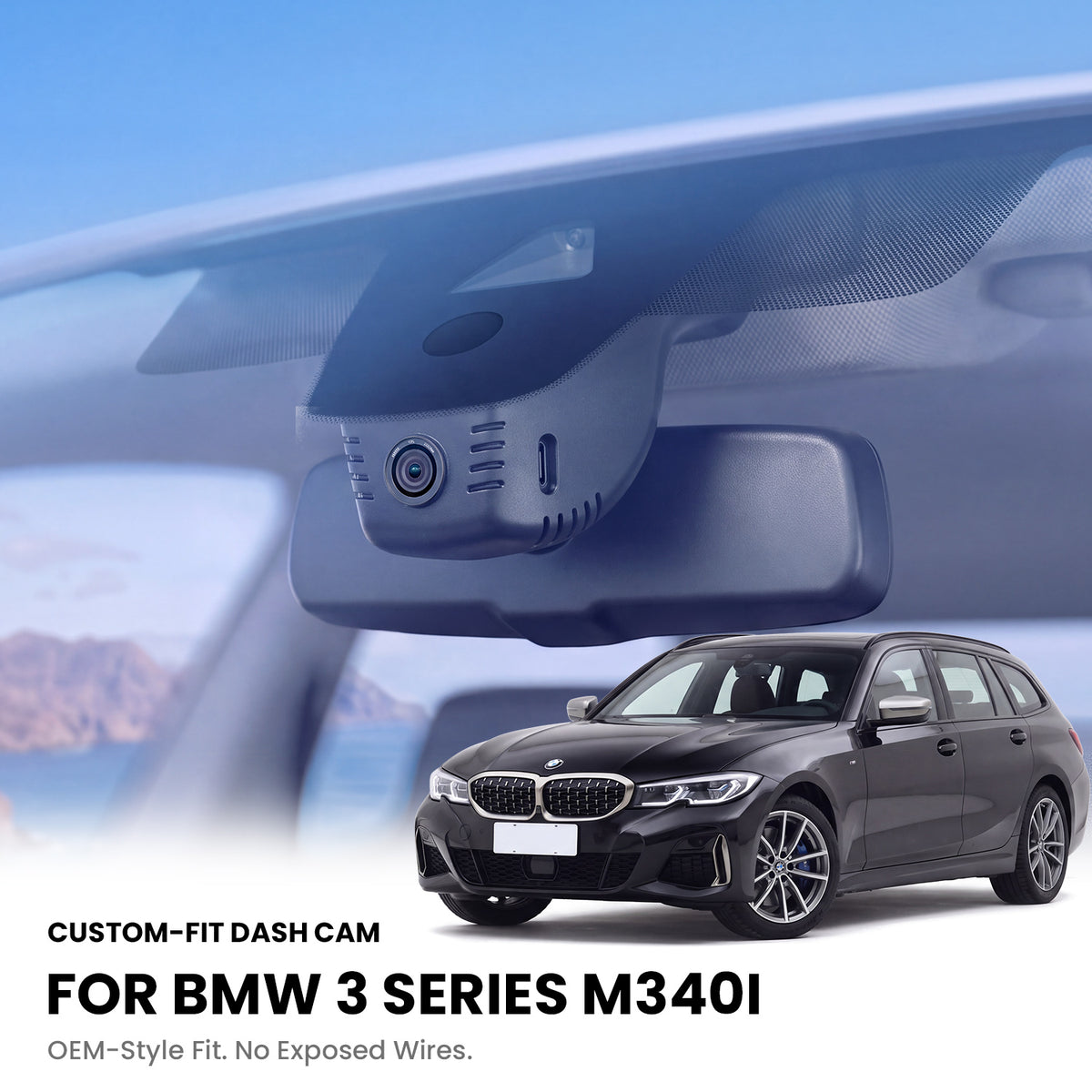

最優質的 RAV4 改裝配件,融入車內毫不突兀。精選十款兼顧日常實用與貼合度的配件,從腳踏墊到隱藏式行車記錄器,全都不需要鑽孔。

RAV4 的行車記錄器不必掛在玻璃上、再拉一條線沿著 A 柱而下。以下說明後視鏡底座安裝如何將一切隱藏起來,以及唯一仍需拉線的情況。
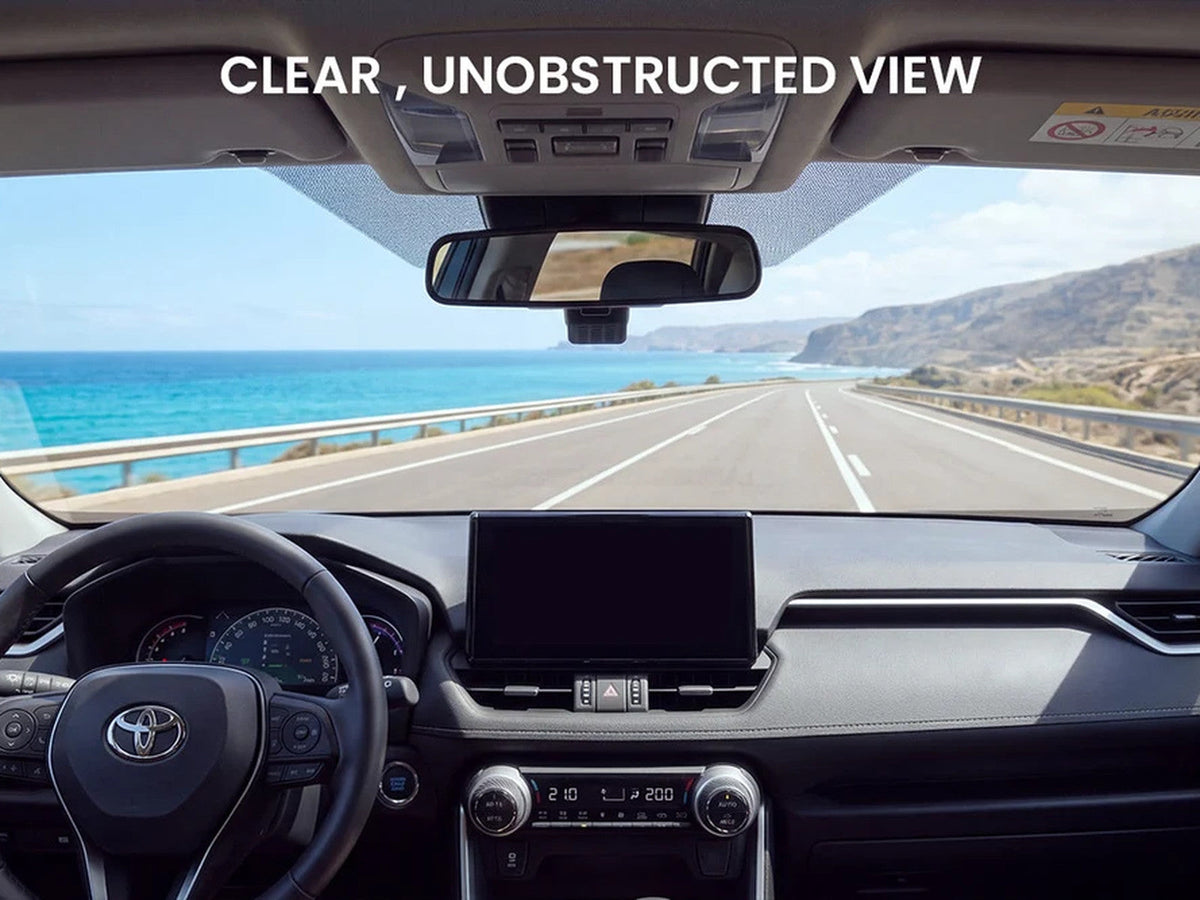
XPRO vs Universal Dash Cams for RAV4: How It Compares to 70mai, Viofo, and Vantrue
70mai, Viofo, and Vantrue flagships share the XPRO's Sony sensor. The real differences are the lens, the energy store, the temperature rating, and where the camera mounts on a RAV4.