

Time bends when you speed it up in a time-lapse driving video, which compresses hours of driving into just a few minutes.
Morning commutes become a symphony of light and motion. Cross-country drives turn into living maps.
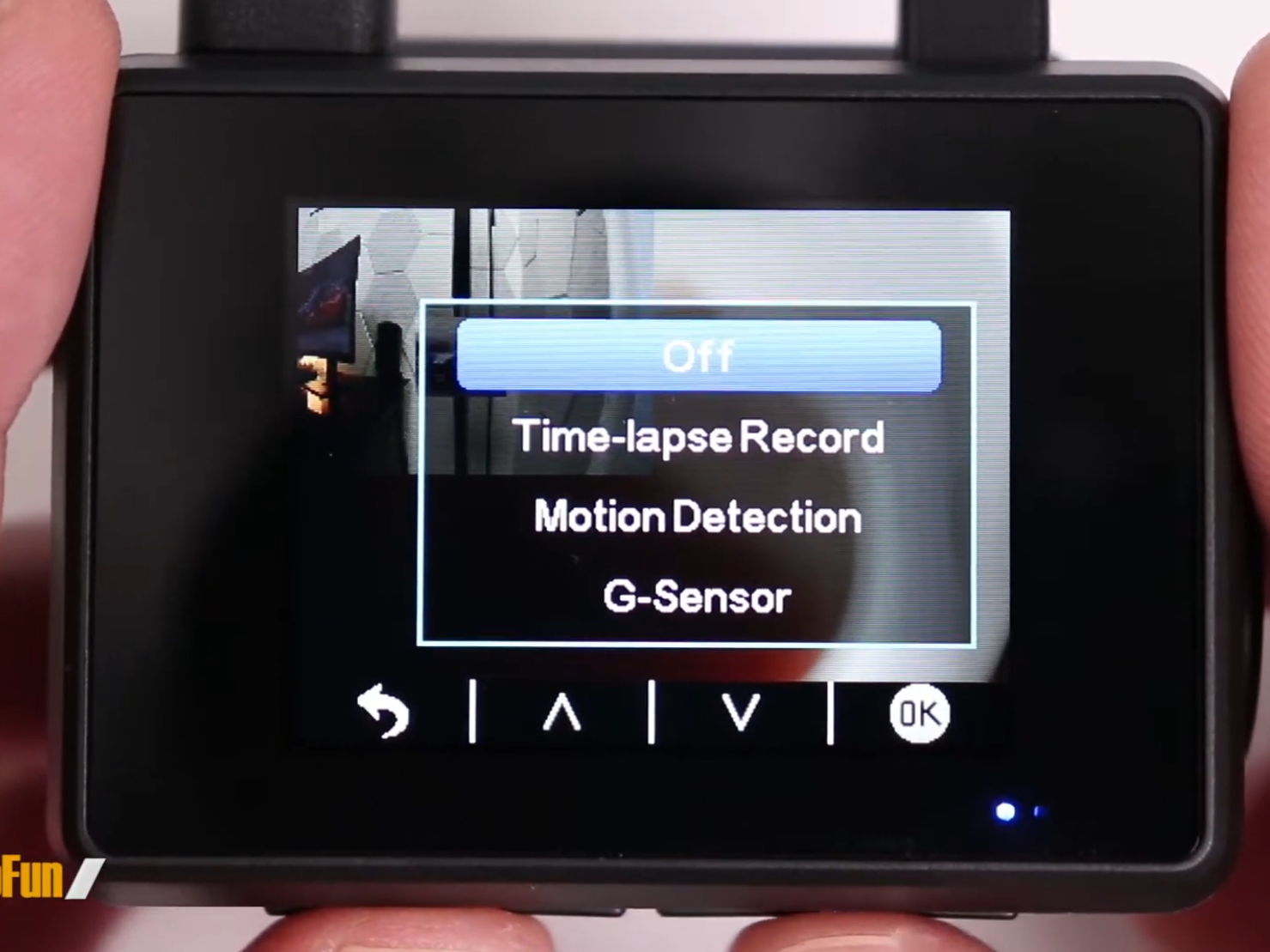
But press record with the wrong settings, and your footage will look more like a glitchy security cam than a cinematic journey. The secret lies in matching your recording speed to the story you want to tell.
A 1-second interval turns city streets into an ant colony. A 10-second interval makes mountain passes feel like flying, while 30-second pauses render deserts as slow-moving rivers.
This guide shows you exactly how to set up your dashcam for time-lapse recording, avoid common mistakes, and create smooth, watchable footage.
What Is a Time-Lapse Driving Video?
Instead of recording real-time footage, time-lapse mode captures images at intervals, say, one frame every second or two.
When you play these back at 30 frames per second, what took hours in real life is condensed into minutes. It allows you to showcase the scenery changing, cities passing by, and weather shifts without testing a viewer's patience.
Why Regular Dashcams Aren't Enough (And What to Use Instead)
Many dashcams promise time-lapse mode, but a closer look often reveals frustrating limitations:
- Poor heat handling on long trips.
- Limited interval options.
- Unstable mounting leading to shaky footage.
- Low-quality sensors that perform poorly in low light.
Akeeyo dashcams are designed with time-lapse in mind, supporting longer battery life, multiple interval modes, and sharper image sensors that maintain clarity at both day and night.
Recommended Dashcams for Flawless Time-Lapse Videos
1. AKY-710S (Adventure Bike Edition)

Compact, rugged, and IP66 waterproof, this camera records in 4K at 28fps and supports Wi-Fi and GPS logging. It also includes a 64GB card in the box, so you can start shooting right away. Its time-lapse mode is designed for long-distance riders, with strong battery life (over 5 hours) and a wide-angle F1.6 lens that captures the full scene without distortion.
2. AKY-V720S (Panoramic Mirror Dashcam)

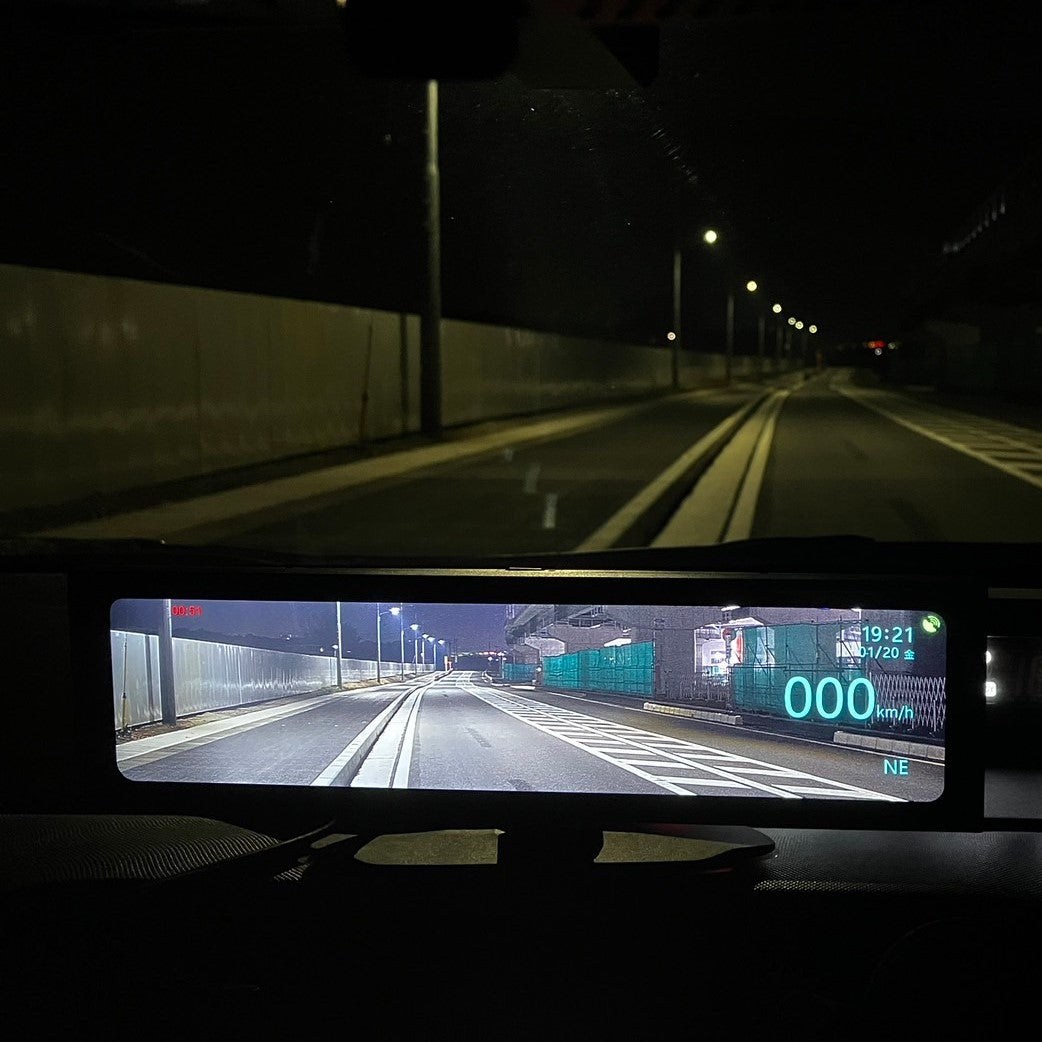
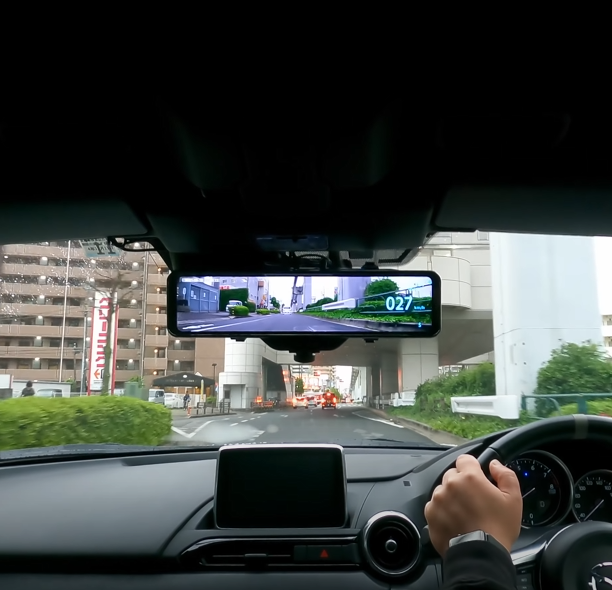
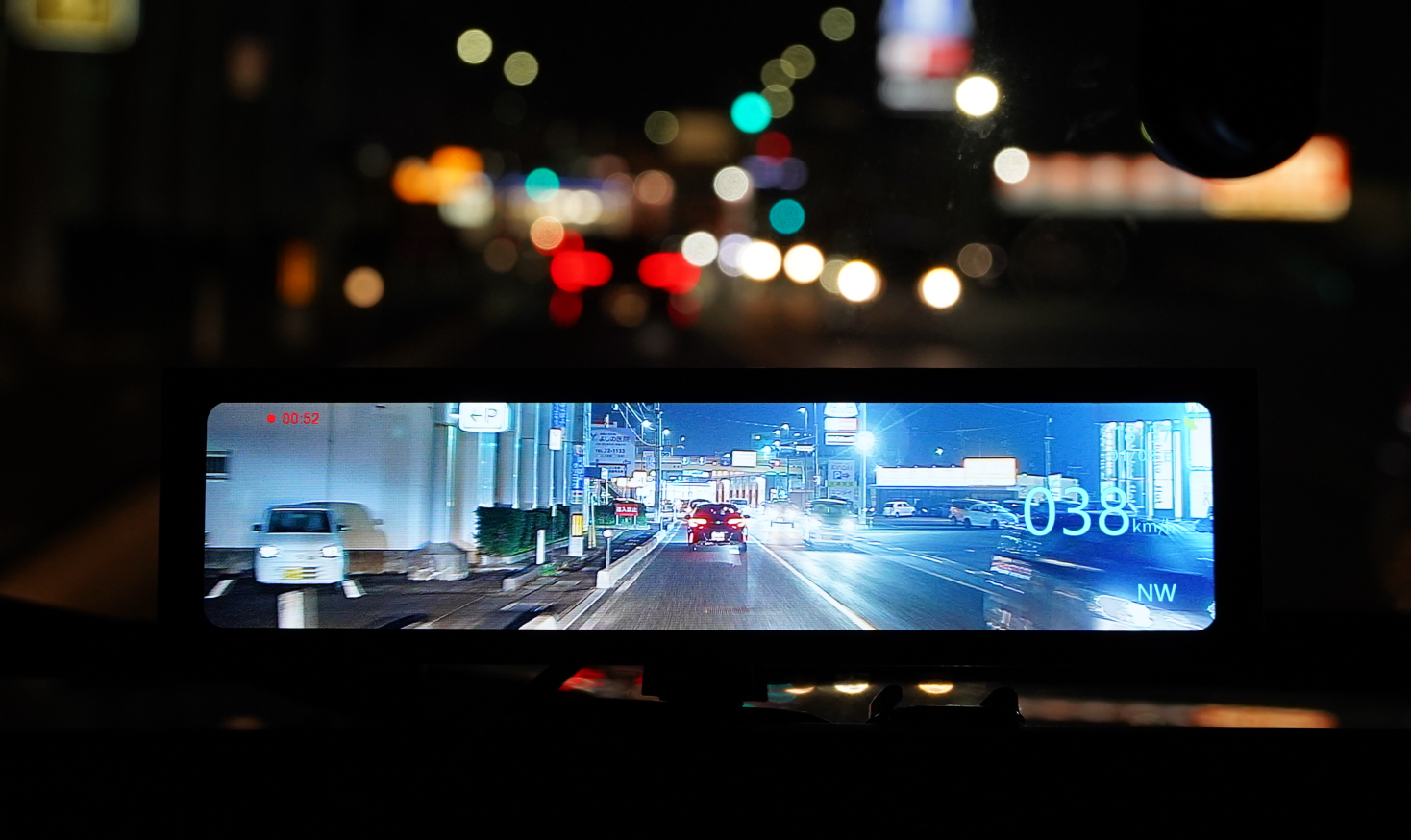
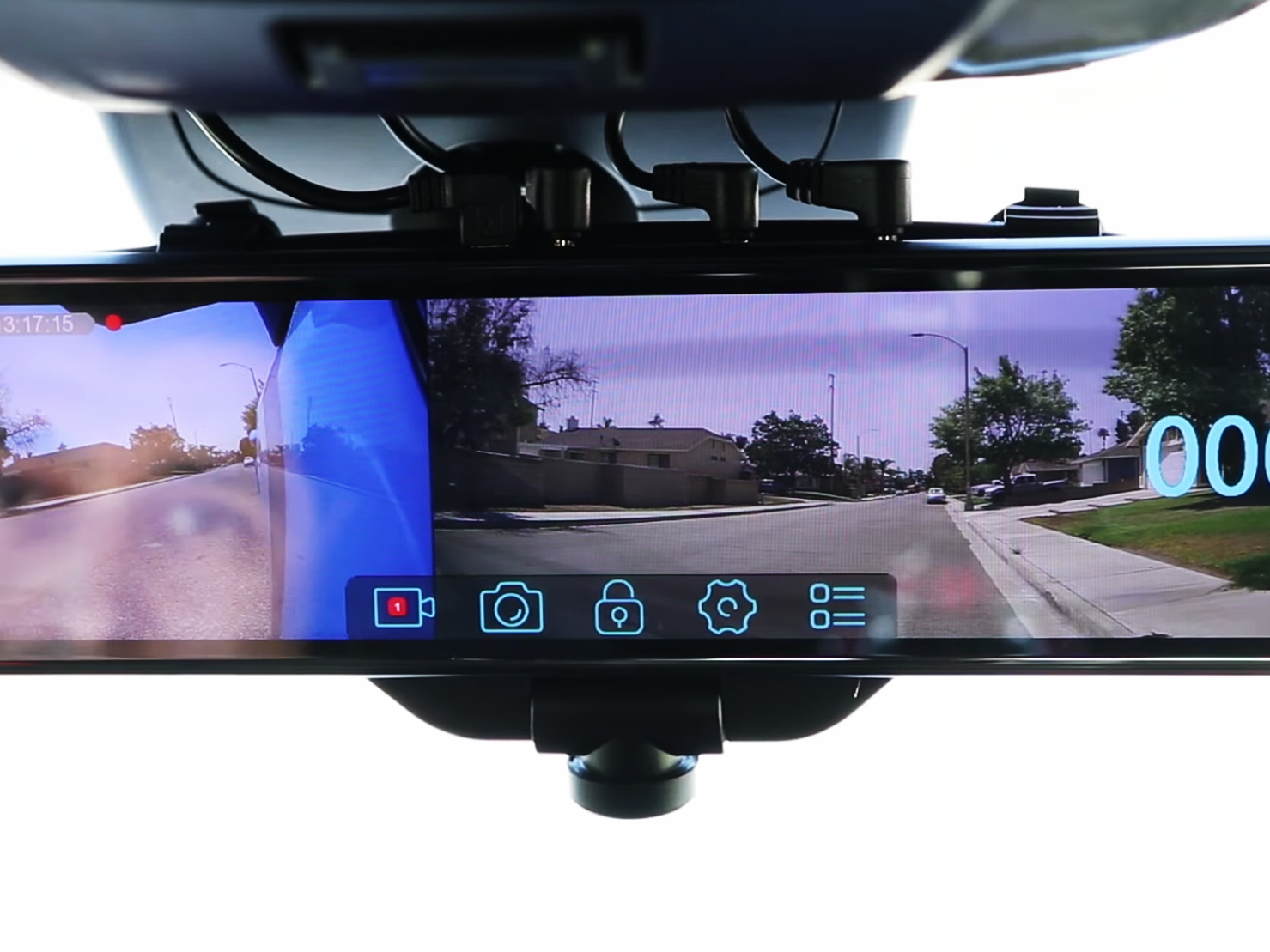
If you're looking for full-vehicle coverage, the V720S delivers a 720° panoramic front view with a rear cam that captures at 1080p. It's useful not only for time-lapse videos but also for on-the-go recording during commutes.
With a supercapacitor instead of a battery, it's built for heat endurance, a frequent issue in dashcams used under direct sunlight.
3. AKEEYO EYES (Car Use)

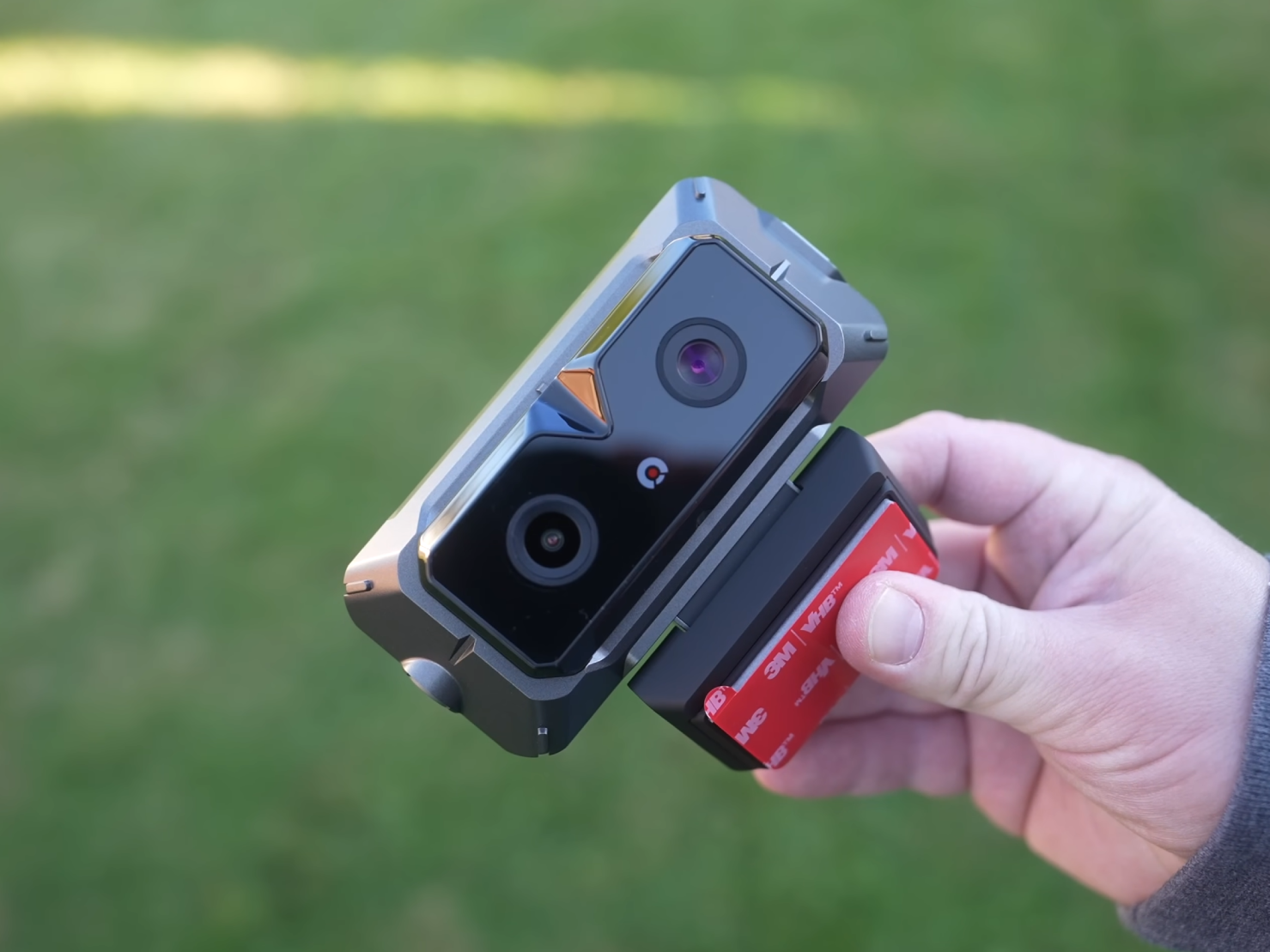
This is an AI-driven dashcam with three cameras, featuring 2K wide-angle lenses and Sony STARVIS sensors. Powered by advanced AI and ADAS (Advanced Driver Assistance Systems), along with two enhanced lenses that are similar to the human eye, it delivers intelligent driving assistance such as predictive pedestrian alerts, forward collision warnings, start-up reminders, and lane departure alerts—bringing added intelligence and convenience to your driving experience.
How To Set Up Time-Lapse on Your Dashcam
1. Insert a Fast SD Card
Use a high-endurance, UHS-I or UHS-III card, preferably 64GB or higher. This ensures smooth writing of large files and reduces the chance of corruption.
2. Enter Time-Lapse Mode
Find the "Video Mode" or "Recording Mode" setting and look for options like:
- 1 sec/frame (fast)
- 2 sec/frame (medium)
- 5 sec/frame (slow)
Choose based on your drive duration. Driving through the mountains may work best at 2 sec/frame to allow room for slower, dramatic visuals.
3. Lock Exposure and Focus (If Possible)
If your model allows it, fix the exposure to avoid flickering in changing light (e.g., tunnels or sunset). Akeeyo cameras with SONY Starvis sensors adapt well, but manual tweaking helps fine-tune results.
4. Mount the Dashcam Properly
Position the camera centrally on the windshield, just behind the rearview mirror. Make sure no wires or window stickers obstruct the view. Akeeyo's mirror and pipe mounts keep the camera stable over hours of driving.
Small Accessories With Big Impact
- Polarizing Filter: Reduces windshield glare and dashboard reflection.
- Power Backup or Hardwire Kit: Useful for continuous recording without interruptions.
- Sunshade Strip: Keeps your dashcam cool during summer road trips.
Filming Secrets From the Professionals
- Drive During Golden Hours: Early morning and late afternoon lighting create dramatic contrast and shadow play.
- Minimize Lane Changing: Helps viewers stay oriented.
- Maintain Consistent Speed: Jumpy driving shows up as jerky footage in time-lapse.
- Clean the Windshield and Lens: Often overlooked, smudges can ruin the final product.
Mistakes That Can Ruin Your Footage
- Using a Card That Isn't High-Endurance: These fail after repeated overwrites.
- Camera Shaking: Use the included mounts properly. Tighten everything down.
- Flickering Light: Use dashcams that support HDR or adjust exposure if available.
- Running Out of Storage: Always check how much time is left on your card. Some Akeeyo models support up to 256GB cards with loop recording.
Final Thoughts
We as humans don’t remember drives in hours or minutes, but in flashes. The way sunlight hits the canyon walls at a specific time. That sudden downpour outside Flagstaff.
Time-lapse distills these fleeting moments into their purest form, letting you hold an entire journey in your hands. With the right dashcam and techniques, you’re not merely preserving roads; you’re preserving adventures. So next time you set out, remember: the best travel stories aren’t written in miles, but in frames per second.

Leave a comment
All comments are moderated before being published.
This site is protected by hCaptcha and the hCaptcha Privacy Policy and Terms of Service apply.